Synchronization is the process by which the wallet retrieves data from the server to build a history and keep up to date with the blockchain.
In Zingo, you can see how the synchronization process is progressing by logging into the Sync/Rescan Report section.
In this article, you will learn how to set up a new server from the Zingo Wallet Settings, a very important feature that allows you to keep your wallet up to date in case a server goes down.
Server
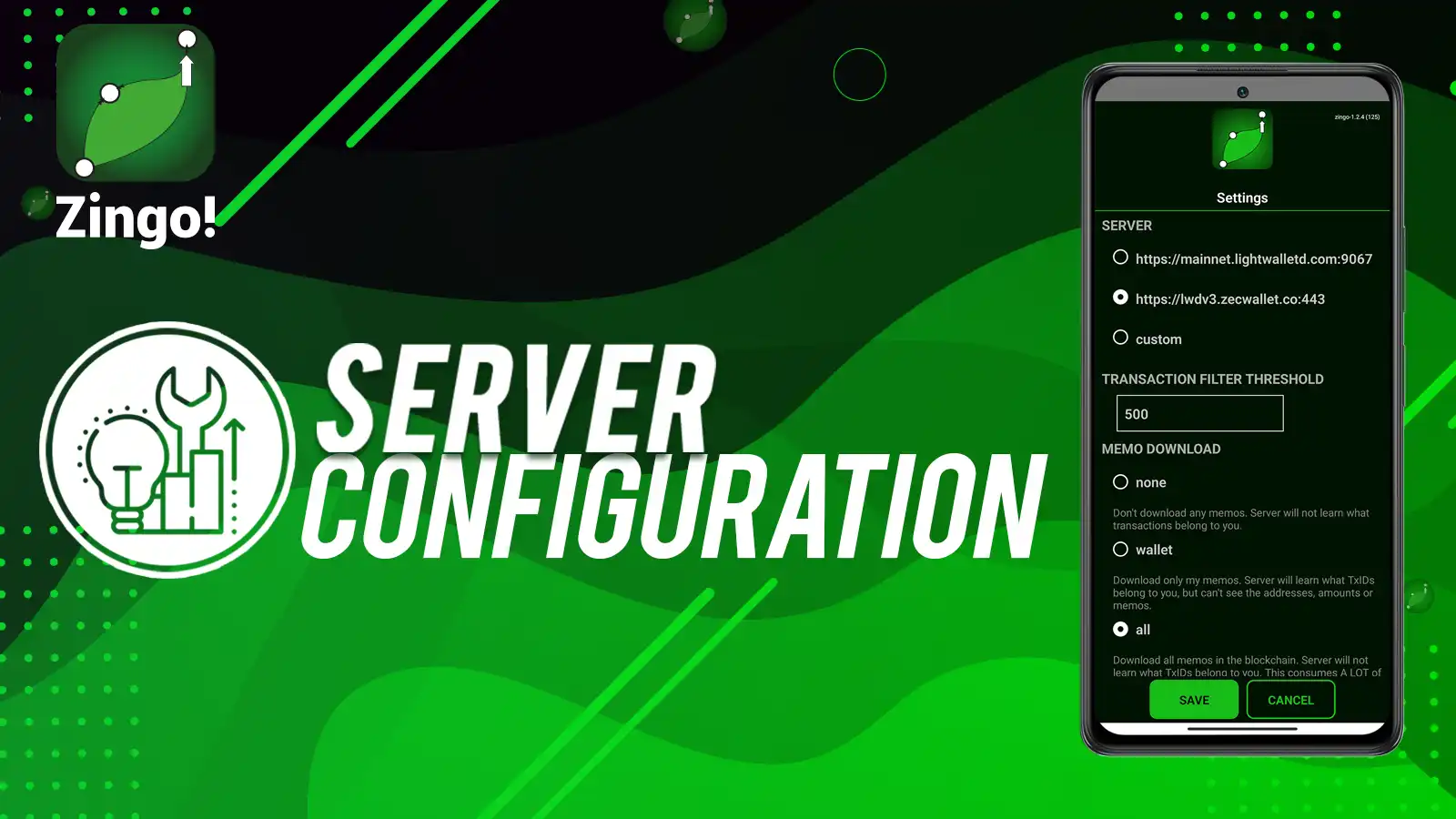
This is an option in the Zingo! settings that allows you to select the server that the wallet will use to start the synchronization process.
By default, the wallet connects to the most optimal server from the default list, but you can switch to another server by tapping the gear icon to go to Settings > Server and selecting another one from the list.
Save the changes and wait a few seconds for the wallet to connect to the newly configured server.
Networks
With Zingo! Wallet can use different networks, including:
- Mainnet: this is the default network where transactions are made and stored with real wallets (addresses/coins).
- Testnet: network for testing where
utest...addresses and TAZ currency are used, transactions are fictitious. - Regtest: Network for testing with local servers.
Do not use Testnet and Regtest if you are a basic user with no interest in testing.
Using a custom server
If you are an advanced user, you may have your own implementation and want to use it in Zingo, go to Gear icon > Server and then tap Custom to set up a custom server, select the network and save the changes.
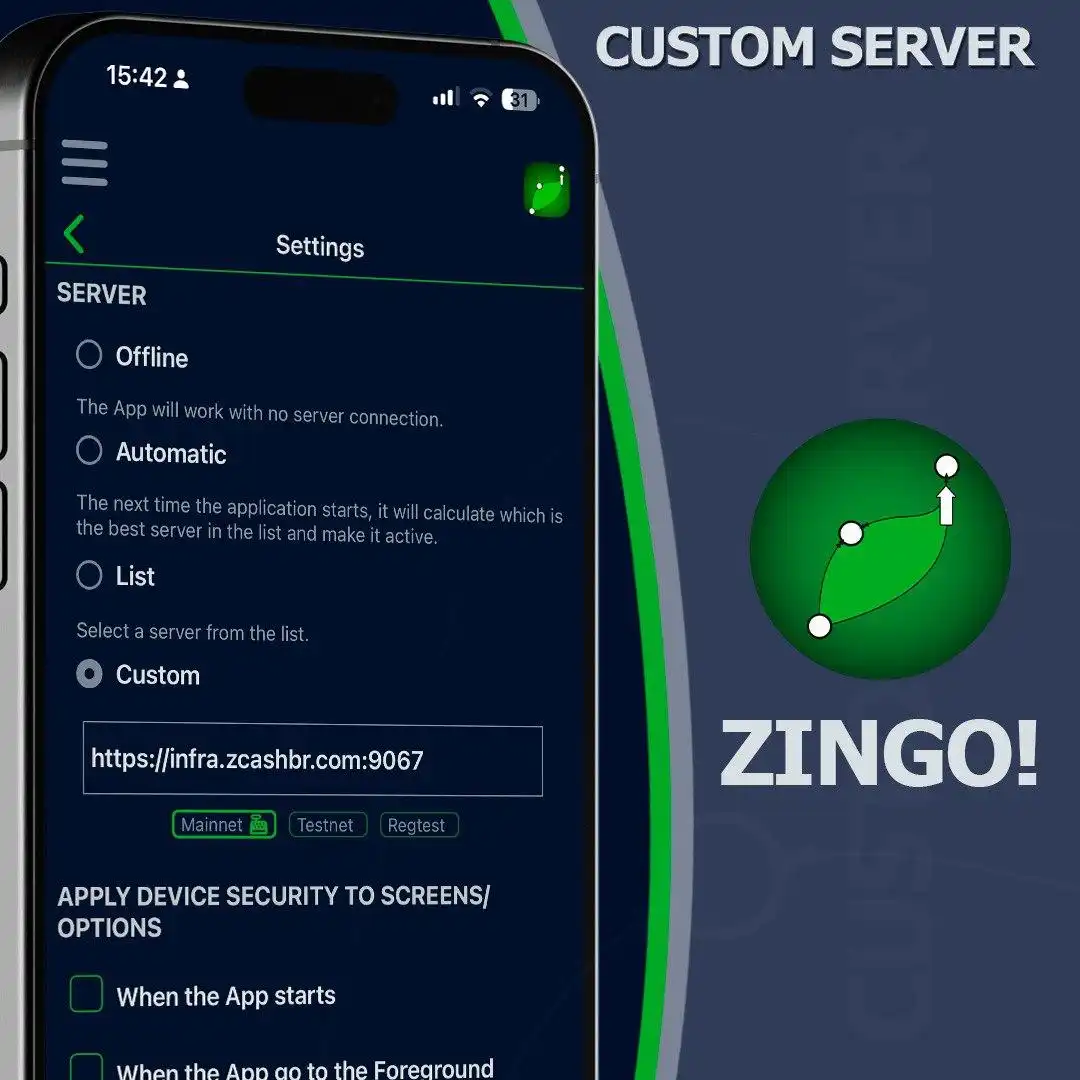
If you do not have your own implementation, use one of the following server URIs for Zcash:
Zec-rocks Servers
https://zec.rocks:443
https://na.zec.rocks:443
https://sa.zec.rocks:443
https://eu.zec.rocks:443
https://ap.zec.rocks:443
Or select other servers from https://hosh.zec.rocks/zec
Testnet servers
Zingo Wallet also allows you to use testnet servers to perform tests in the application with test addresses (utest, ztestsapling, tm...) and transactions with TAZ, coins for testing on the testnet.
You can use the following server URI and select the Testnet option, this way you can test without touching the ZECs of your wallet on the main net.
https://testnet.zec.rocks:443
Comment on what you think of this zpage and if you have used the server switching options in Zingo Wallet. A new update will be coming to your devices soon, follow us on Twitter for more information.
Install Zingo!

