Zingo is a wallet for Zcash that uses the BlazeSync synchronization algorithm to quickly synchronize the blockchain.
Sync/Rescan Report
In our wallet you can view a detailed synchronization report, to access this section you have two options:
- Open the menu by tapping the hamburger button (☰) and tap the Sync/Rescan Report option.
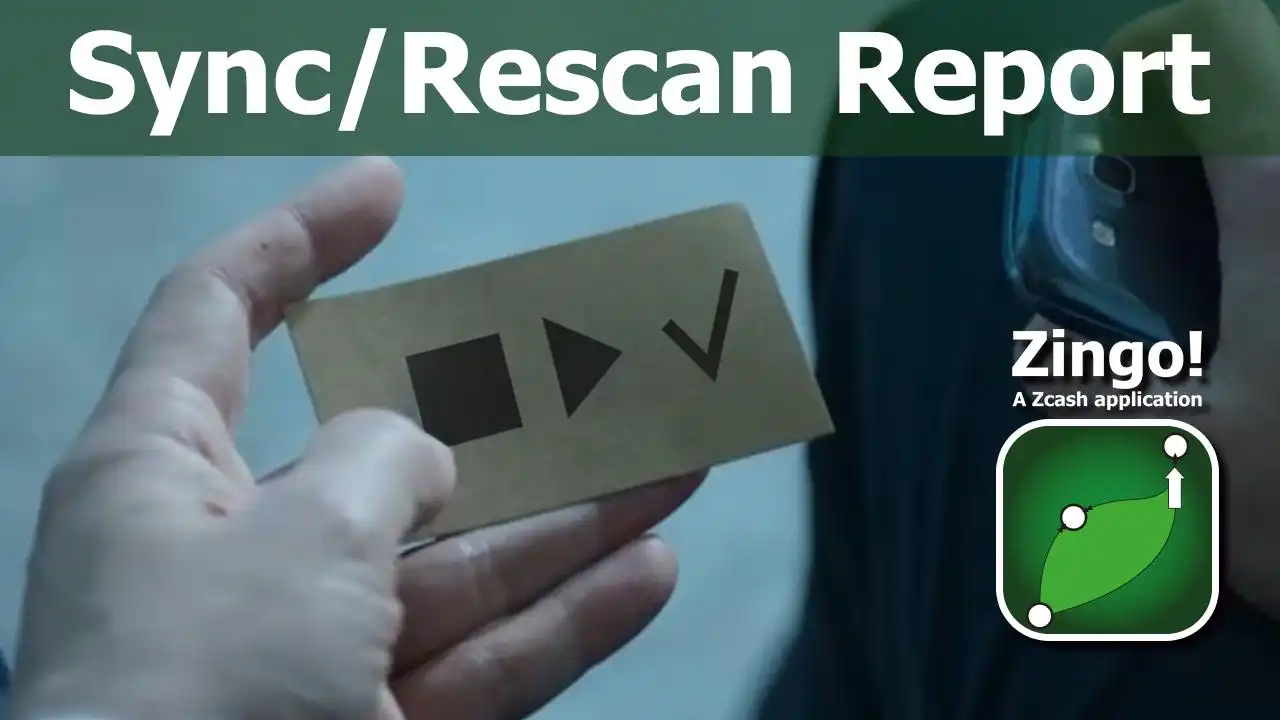
- Tap the Stop (▣) or Play (▷) button located under the total balance in the History tab.
Synchronization Data
The Sync/Rescan Report screen or window is divided into five sections, which are explained below:
First section: in this section you can identify the number of times the wallet has initiated the synchronization process (the count is reset each time you close and open the application) and the status of the synchronization (Loading, Connecting, Initiated, Completed).
Second section: in this bar you can see the number of blocks processed on the server (blue) and the number of blocks processed in the purse (yellow).
Third section: through the bar you can follow the progress of the blocks already synchronized (white bar) and the blocks being synchronized (yellow bar).
Fourth section: identify which batch is being synchronized and how many batches remain to be synchronized, each batch contains 100 blocks and you can also see a counter in seconds representing the time it has taken to synchronize the batch.
Fifth section: information about the height of the block being processed and the height of the last block processed on the blockchain.
When synchronization ("catch-up") is complete, the check icon (☑) appears below the balance in the History tab.
Zingo is the only wallet where you can get a detailed and clean sync report, so you can understand how the wallet manages and processes the data downloaded from the blockchain.
The above explanation is another step in the educational process to improve the experience of new and not-so-new users on Zcash.
Install Zingo!
Google Play
Apple App Store
GitHub
