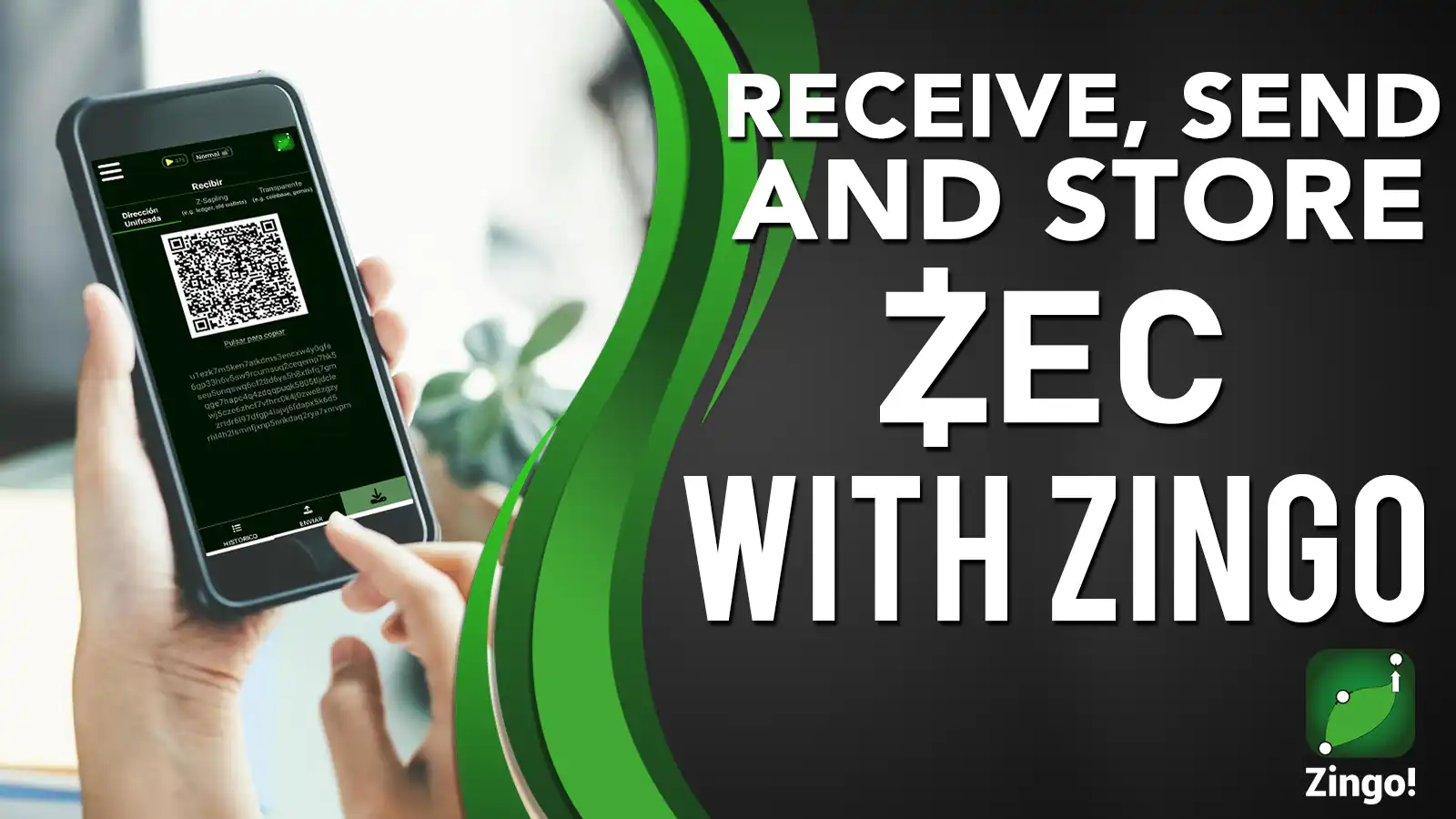

Wallets are important in any cryptocurrency project, they are tools that allow users to send, receive and store their digital assets securely.
Zingo Wallet is a wallet that allows you to manage your ZECs from your mobile and desktop devices. Zingo generates Unified Addresses, Z-Addresses and Transparent Addresses that are used to receive payments. Read on to find out how to receive, send and save your ZECs.
How to receive ZECs with Zingo?
To receive funds in your Zingo! wallet, you only need to send one of the addresses generated by the application to the sender. Follow these steps:
- Open the Zingo! wallet.
- Select the "Receive" tab in the bottom bar.
- Copy and share the address, or show the QR code to the sender to scan.
If you are the sender, make sure you have enough funds available to cover the fee when sending from your wallet. Coming soon to Zingo! Wallet we will support commissions based on ZIP 317.
Send ZEC with Zingo
To send ZECs with Zingo! Wallet, you must first create a new wallet or import an existing one with your recovery phrase (seed phrase or mnemonic phrase).
Once you have set up your Zingo wallet, follow these steps to send ZEC:
- Open the Zingo!
- Select the "Send" tab in the bottom bar.
- Enter the recipient's address (u/z/t address).
- Enter the amount of ZEC you wish to send.
- Carefully check the details of the transaction and confirm the sending.
Tip: If you use shielded addresses for private transactions, you will be able to send a message in the transaction using the encrypted memo field.
Secure storage at Zingo!
For us, security is of paramount importance when it comes to storing your ZEC. Here are some recommendations to ensure safe storage at Zingo! Wallet:
- Back up your seed phrase: Keep secure physical or electronic copies out of the reach of unauthorised third parties.
- Use multi-factor authentication: If your device allows it, enable this feature to add an extra layer of security when opening the application.
- Keep your app up to date: Make sure you always have the latest version of Zingo! Wallet so that you can benefit from the improvements and fixes that our developers have made.
- Avoid sharing sensitive information: Never share your private keys or recovery phrases with anyone.
Read our Wallet Seed post to learn the importance of this phrase and how to keep this information safe.
We at ZingoLabs are always working to bring you a new update with new features and improvements, follow us on social media so you don't miss any announcements.
Install Zingo!
Zingo-PC
GitHub
Google Play
Apple App Store

