
Zingo! is an easy to use wallet, we aim to provide a good user experience with features for both basic and expert users.
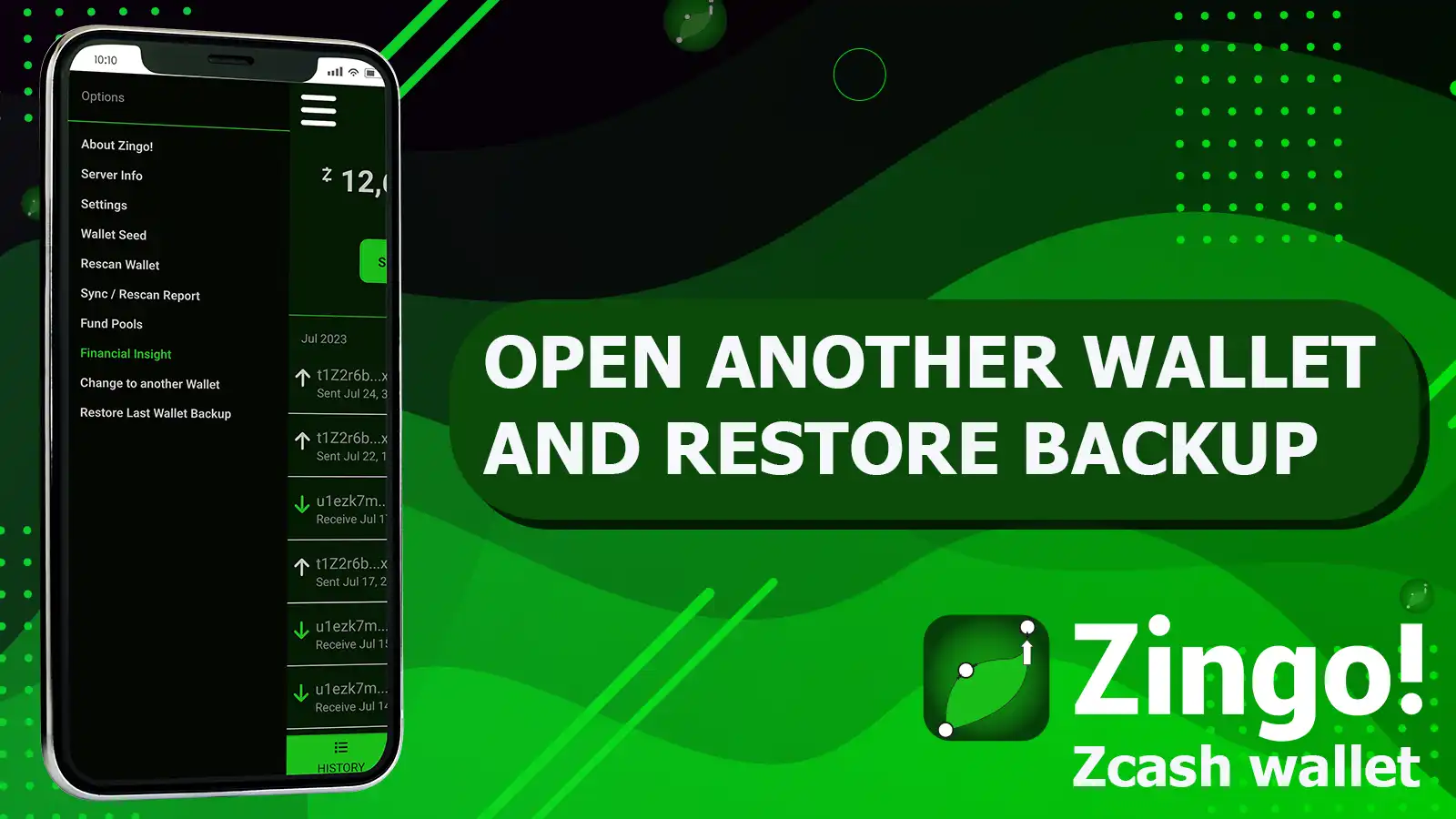
From the menu you can access two essential functions if you want to use more than one wallet while keeping a backup, we will explain these functions below.
Open another wallet
If you are a user who wants to open a new wallet, access the menu by pressing the hamburger button ☰ and use the Change to another wallet function, on the next screen you will be reminded to save the seed phrase of the active wallet before continuing.
Once you have safely copied and saved your seed phrase, confirm that you wish to open another wallet, a new screen will open allowing you to create or restore a wallet using a seed phrase.
Restore Backup
Zingo! creates a backup every time you open or create a new wallet, so this feature allows you to go back to the previous wallet.
After you open or create another wallet using the steps above, go to the menu ☰ and click Restore Last Wallet Backup, save the seed phrase of the active wallet, and then confirm that you want to restore the backup.
So far our article, comment what you think and follow us in the digital spaces. Our next update is coming soon, stay tuned!
Install Zingo!
Google Play
Apple App Store
GitHub

