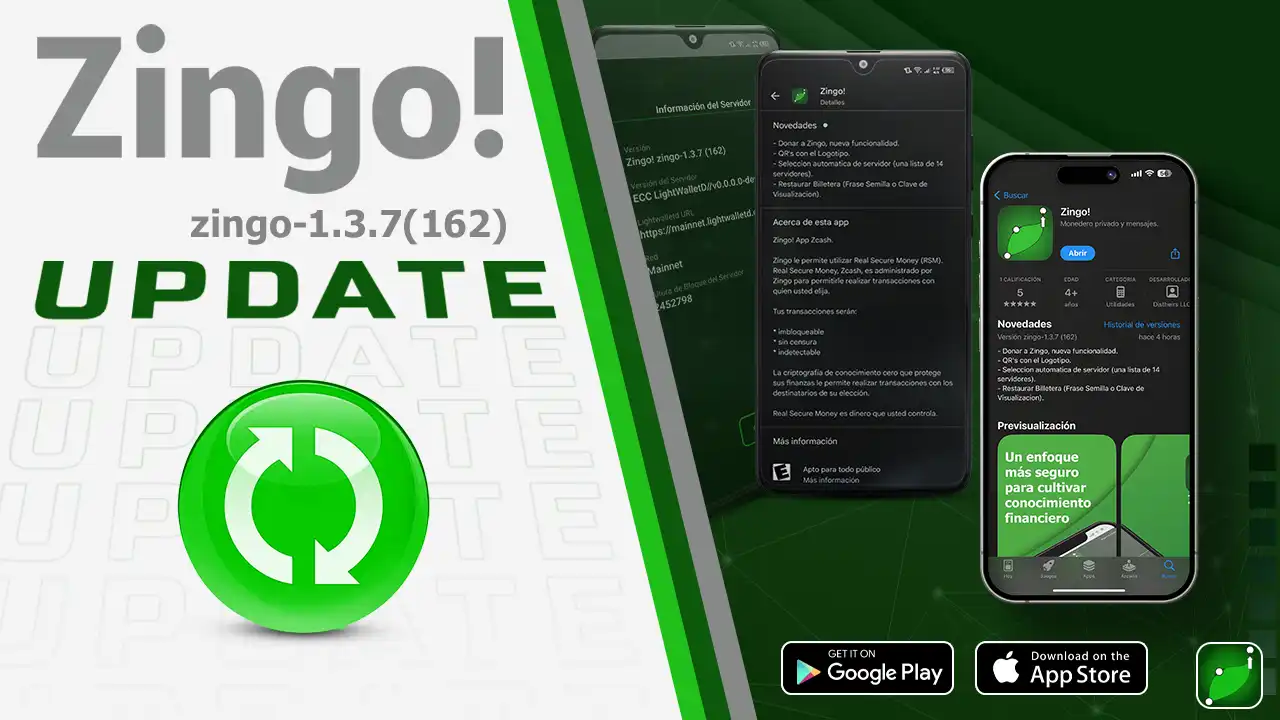
We are pleased to announce the latest update that takes the user experience to a new level of efficiency and convenience. Version 1.3.7 of your Zingo! Wallet comes loaded with significant improvements and new features you'll love.
Donate to Zingo!
Support the team that makes Zingo possible! With the new donate button, it's now easier than ever to send your $ZEC contribution directly from the 'Send' option.
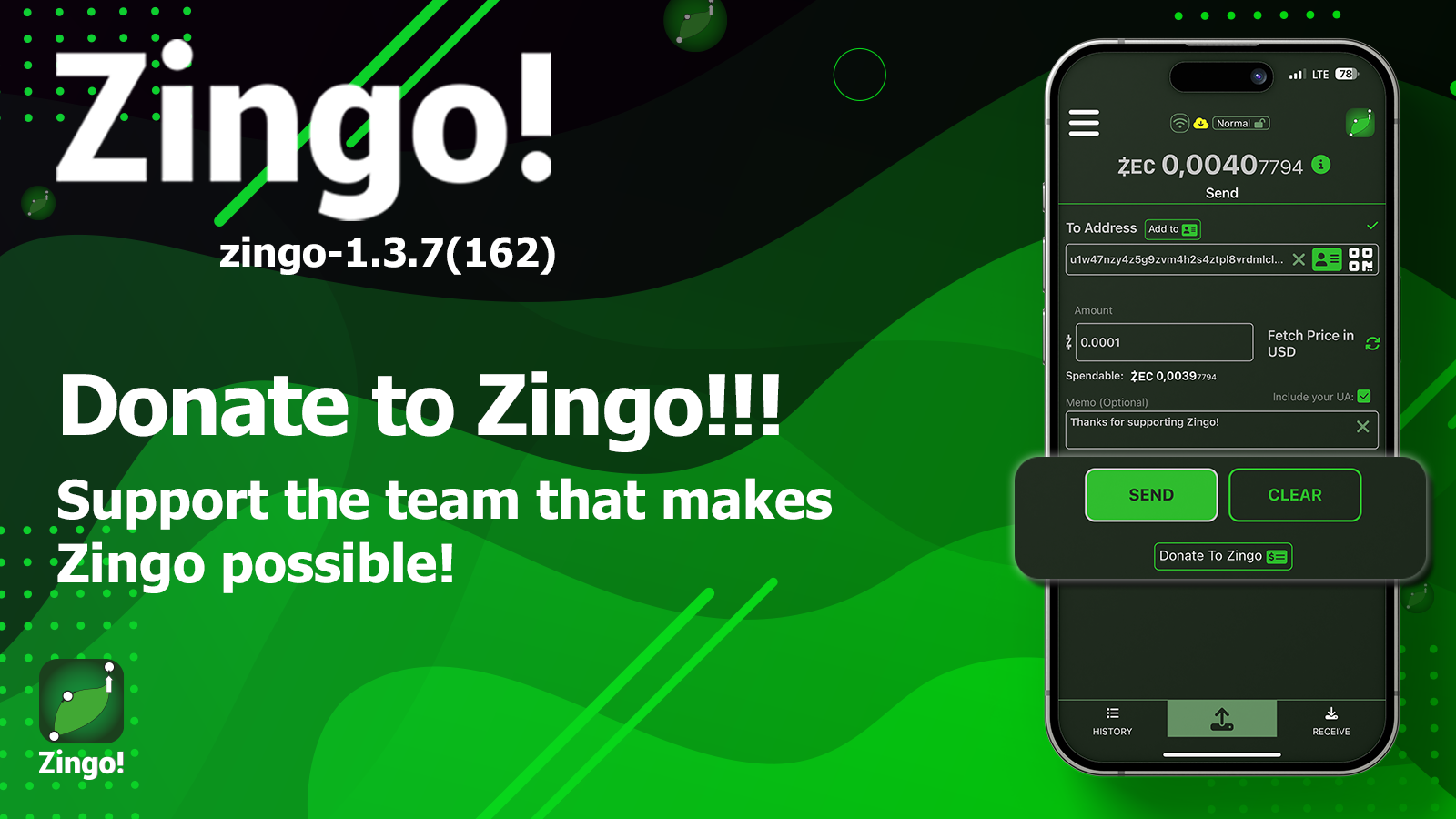
🤝🏻 The ZingoLabs team works hard to provide the best possible experience for its users. Your donation is a way to show your appreciation for their hard work and dedication.
Automatic Server Selection
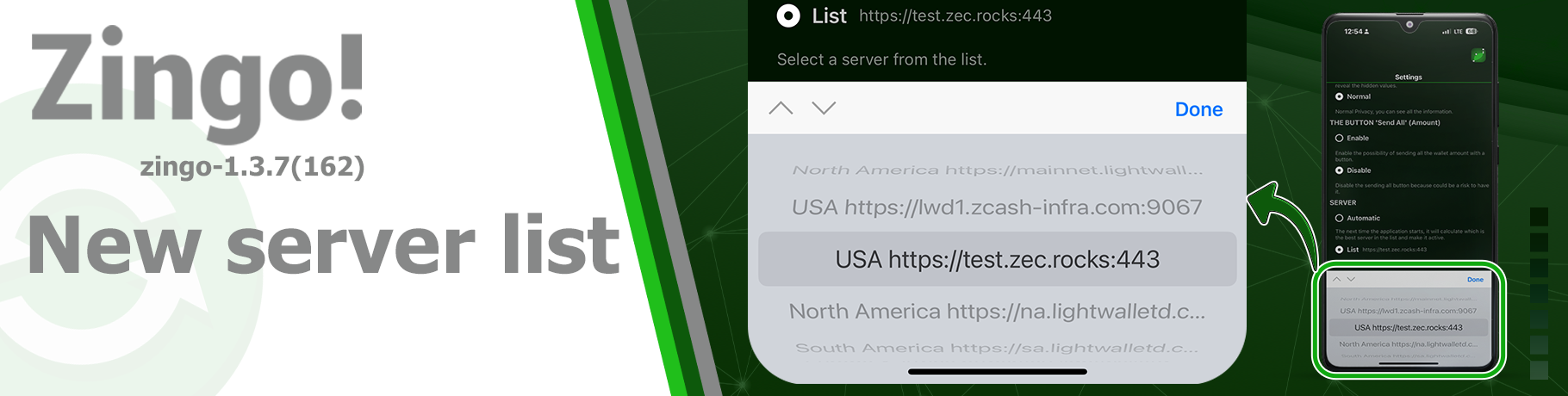
The wallet now automatically selects the most optimal server for you. This selection is made when you start the application, when you update it and when the server in use is not responding.
Application startup: The wallet automatically selects the ideal server when starting the application for the first time.
Application update: Every time the application is updated, the wallet performs an automatic server selection.
Server not responding: If the server in use presents problems, the wallet starts a new automatic server selection process.
💡 We offer you the possibility to manually select your preferred server from an updated list of 14 active servers.
We also incorporated minor improvements to offer a more intuitive and efficient user experience, among them we have:
- Custom QR codes with the Zingo logo.
- Larger and more accessible 'Send' arrow button from the address book.
- 'Add to...' feature to quickly add addresses to your address book.
- ❎ icon to remove specific fields from Send.
- Distinctive yellow color for the spendable amount in Sapling.
- Confirmation alert for changes in shipping address.
We thank our users for their continued support and assure them that Zingo will always look for ways to improve and enrich their experience with every update.
🚀Zingo! Release Announcements! ¡Read Here!
Install Zingo!
Zingo-PC | GitHub | Google Play | App Store

