
We bring you version 1.3.4 of Zingo Wallet. The implementation of background sync, a new feature that synchronizes Zingo with the blockchain while you sleep.
What is background sync?
Background sync is a process that allows apps to update their data and functionality without user interaction. This means that apps can receive notifications, messages, emails, social media updates, news, and in the case of Zingo!, keep up with the blockchain.
Benefits of Background Sync
Efficiency: Save time and avoid the tedious task of manually updating the application.
Continuous updating: Enjoy a seamless experience with automatic download and processing of blockchain data.
Productivity: Reduce interruptions and focus on your work.
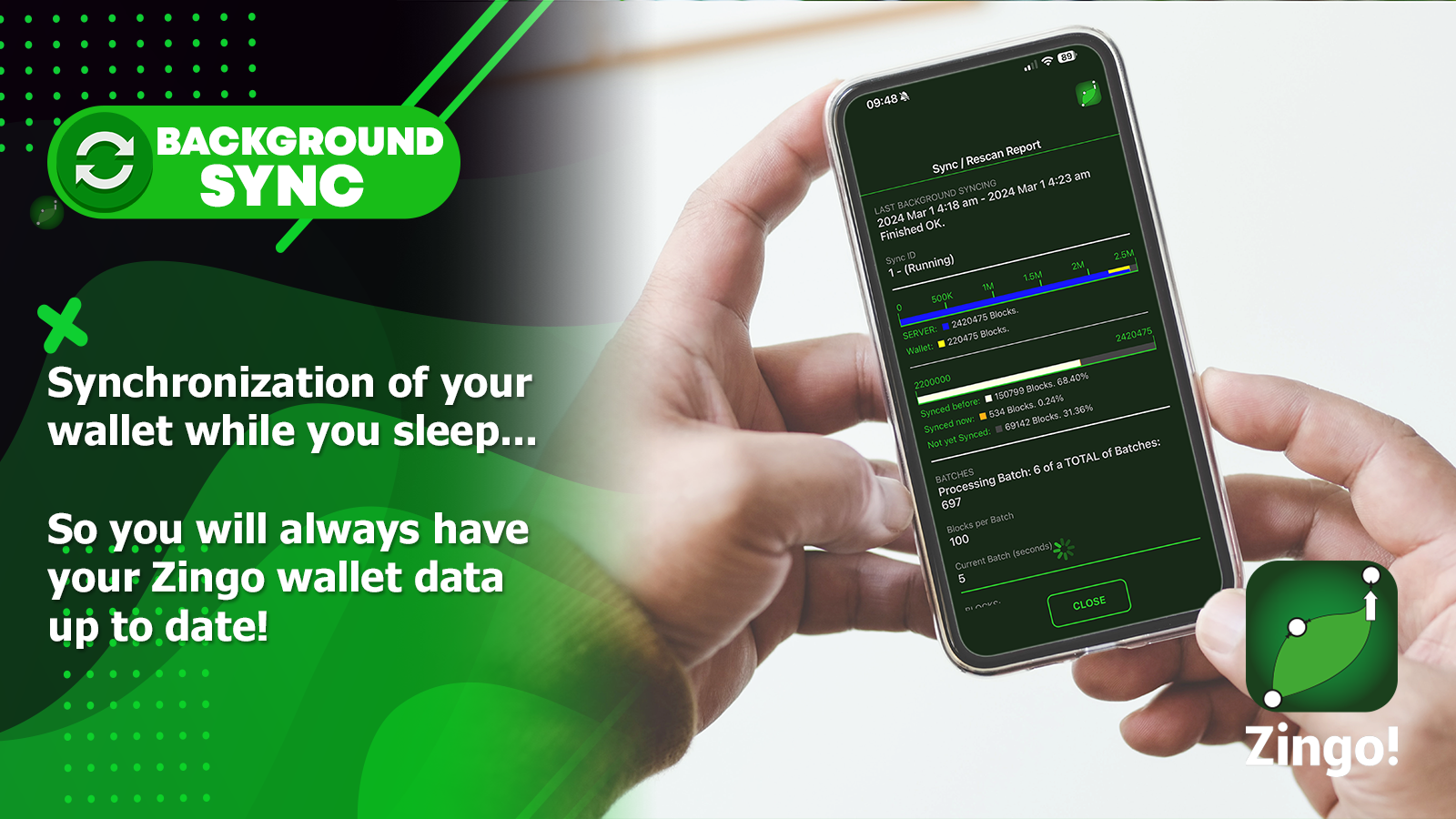
💡 With background sync, your backgrounds are always up to date and ready to use at any time.
So, how does background sync work in our Zingo Wallet?
It's simple. With background sync, Zingo will automatically sync every night as long as your device is connected to the charger and Wi-Fi network. Just open the app, send it to the background, and you're done! That means a month's worth of syncing can be completed in just one night.
To access the detailed report of the last background sync, follow these steps
Open the menu by tapping the hamburger button (☰).
Select the "sync/rescan report" option.
You will see detailed information such as the date, time, and whether the sync was successful.
On iOS, background sync runs for 5 minutes. On Android, this process repeats continuously until sync is complete or the app returns to the foreground.
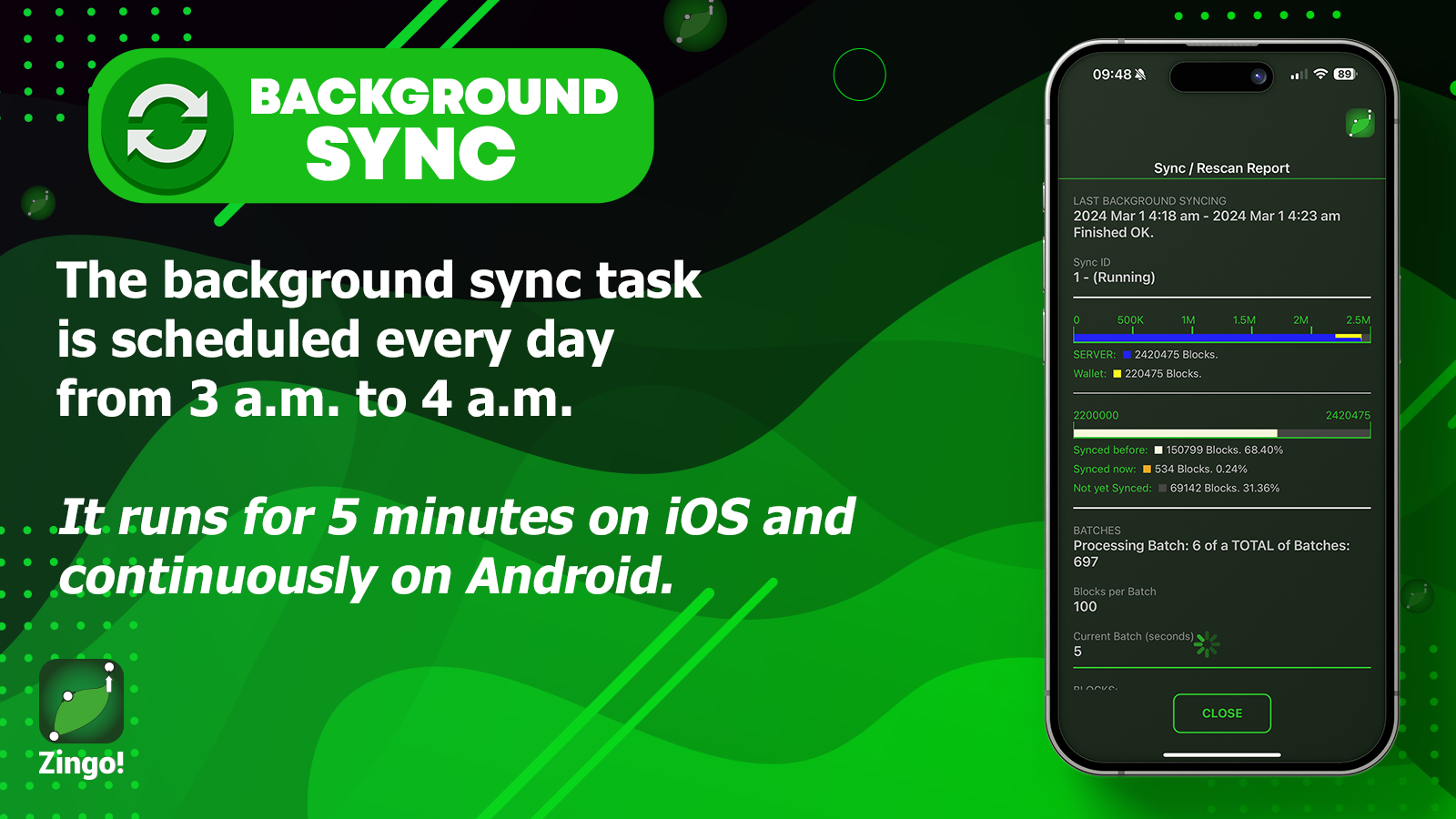
👀Remember: Keep your device connected to the charger and the Wi-Fi network.
This new release is just the beginning. Thanks to the active participation and collaborative work of the Zingo! community, we can expect new features and improvements in the future.
🚀 Zingo! Release Announcements ¡Read Here!
Install Zingo!
Zingo-PC | GitHub | Google Play | App Store

