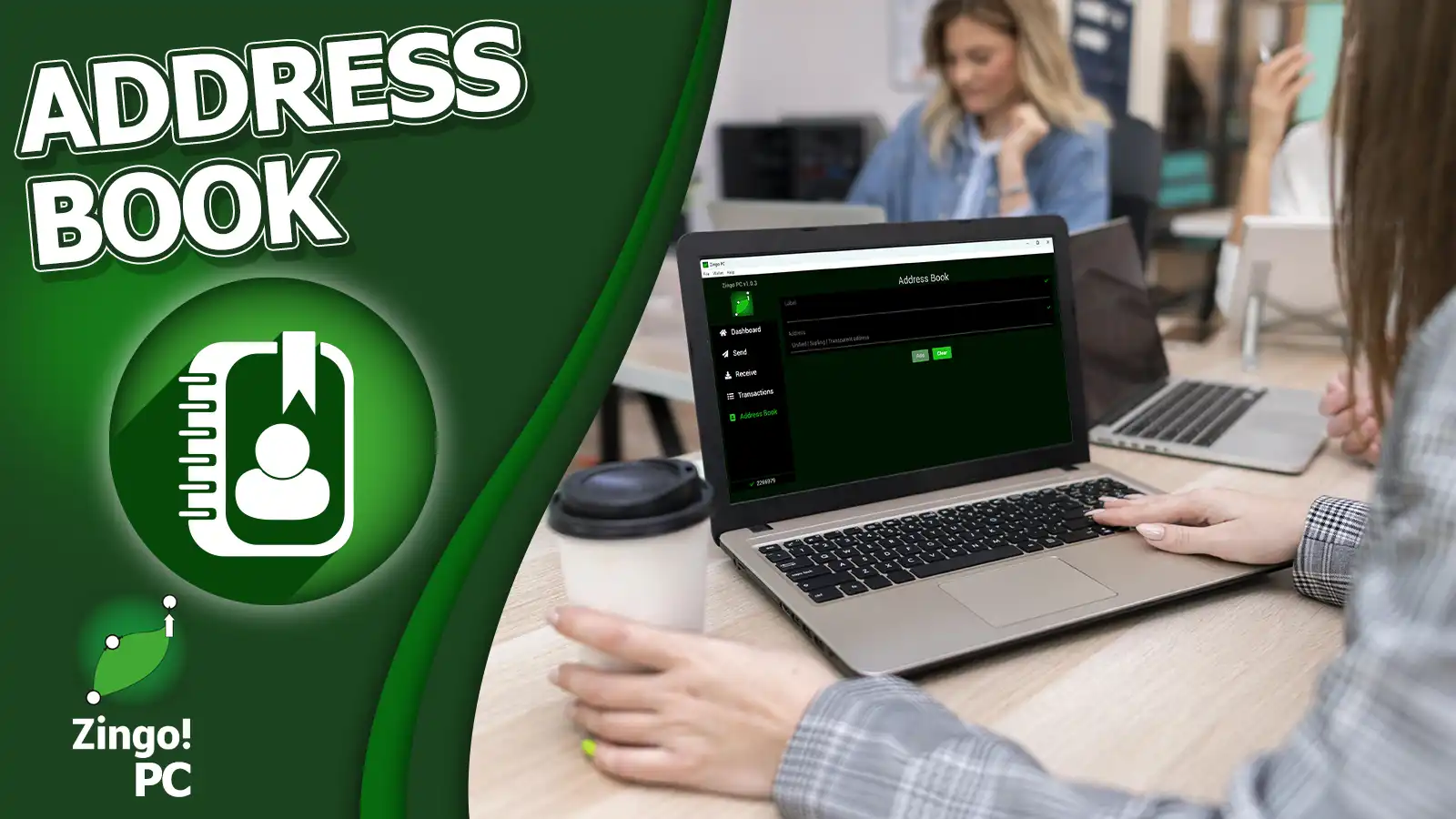

The address book on Zingo PC is similar to the contact list on a mobile phone. It allows you to store information about unified, sapling or transparent addresses that you frequently interact with.
When you add an address as a contact, you can assign a custom name or nickname to easily identify the address by going to Address Book > Set a name > Paste the address > Save by tapping Add.
Once a contact is added, you can select it and perform a transaction by tapping Send To, so you don't have to type the full address manually. This greatly reduces the risk of making mistakes when copying and pasting long and complicated addresses.
Benefits of adding contacts using Zcash addresses
- Adding contacts to the address book simplifies the process of sending and receiving cryptocurrency by eliminating the need to remember or copy complex addresses.
- You avoid manual address entry errors, minimising the risk of sending funds to the wrong address.
- Improve organisation by storing frequently used cryptographic addresses under custom names or aliases, making them easy to identify quickly.
Using the address book on Zingo PC is useful for simplifying and streamlining $ZEC transactions. Overall, this feature significantly improves the user experience and promotes greater adoption and widespread use of Zcash.
Enjoy Zingo PC by downloading the files from our GitHub repository, a new update is coming soon and you will be able to use your contacts on Zingo Mobile.
📗Address Book for Zingo Mobile now available
Install Zingo!
Zingo-PC | GitHub | Google Play | App Store

