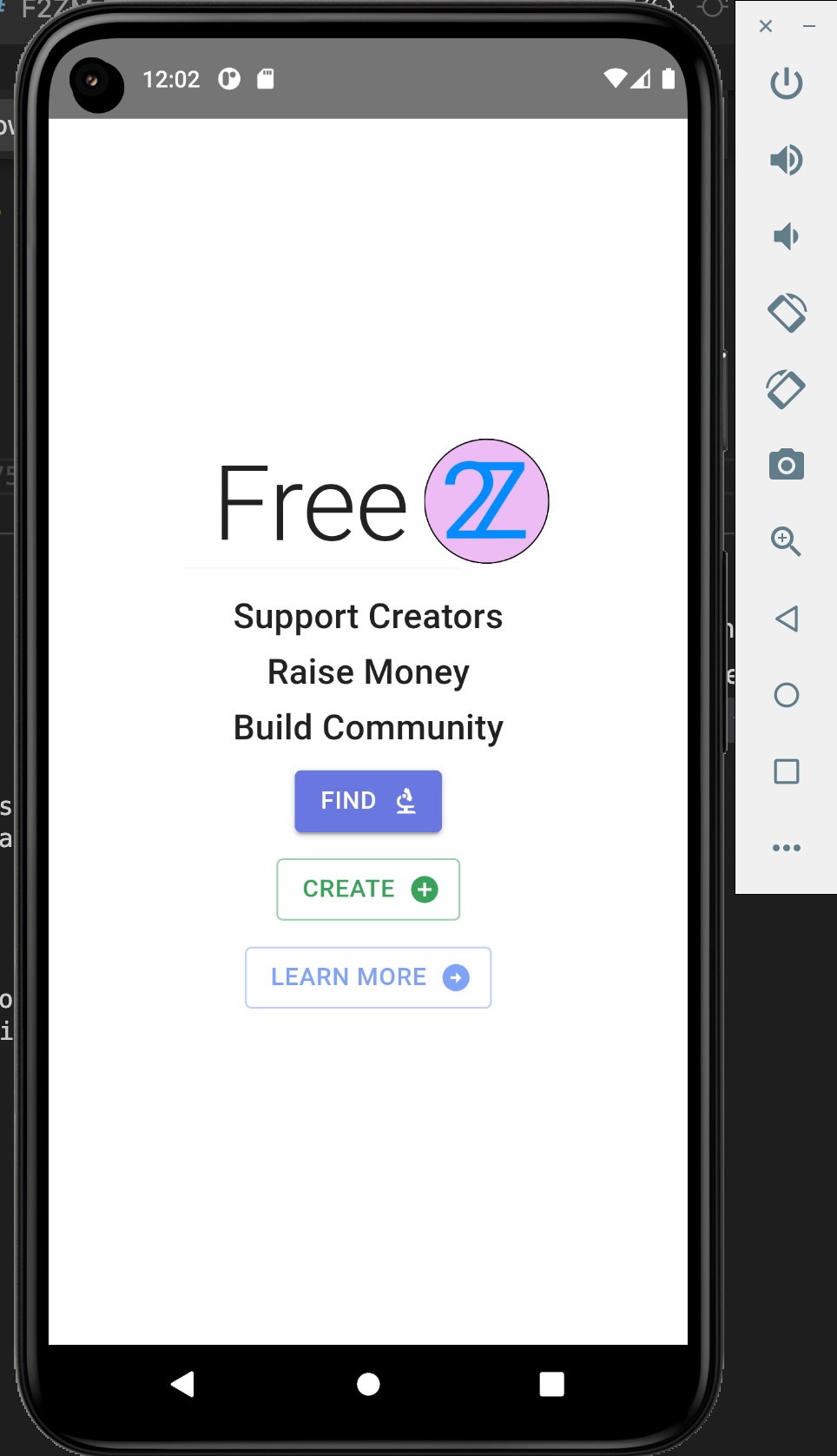

Alright, we have 2 react apps that run on the same domain with a django app. I want to package this domain as an app on the appstore and maybe use some native features?
It may be possible to package your domain as an app on the App Store using a technique called "progressive web app" (PWA) or a hybrid mobile app framework like React Native. PWAs are web apps that can be installed on a user's device and run offline, while React Native allows you to build mobile apps using React and JavaScript. However, it's important to note that PWAs and React Native apps have certain limitations in terms of accessing certain native features of the device like push notifications and camera access. You may need to make some changes to your current React apps to take full advantage of these features. Additionally, it's important to check the App Store guidelines and requirements to ensure that your app meets their standards.
Try Capacitor
Great, so, let's try to use capacitor maybe? I want to keep one codebase that will continue to work perfectly in a regular web browser.
Capacitor is a popular open-source framework that allows you to build cross-platform apps using web technologies like JavaScript, HTML, and CSS. It provides a set of APIs for accessing native features of the device, such as the camera, geolocation, and more. This allows you to use a single codebase for your web app and mobile app while still being able to access native features.
Capacitor works by providing a bridge between your web app and the native platform's APIs, so you can use the same codebase for both web and mobile. It provides a set of JavaScript APIs that are similar to the web APIs, but they call native code under the hood.
One of the main benefits of using Capacitor is that it allows you to keep your existing web app and incrementally add mobile-specific features as needed. This means that your app will continue to work perfectly in a regular web browser, and you can add mobile-specific features as needed.
Additionally, capacitor can be easily integrated with your existing React app, which means that you won't have to rewrite your entire codebase to make it work on mobile. You can use the same codebase that you use for your web app and just add the necessary native features using Capacitor.
It's important to keep in mind that while Capacitor can help you create a cross-platform app using a single codebase, it's not a framework that will automatically make your web app a mobile app, you'll need to add the necessary native features and make adjustments to your app to make it work on mobile.
React -> Android
Okay, well, let's just try to run the react app as an android app and see how it goes?
- Install Capacitor: You can install Capacitor by running the following command in your React project's root directory: npm install @capacitor/cli.
npm install @capacitor/cli @capacitor/core- Initialize Capacitor: Once you have installed Capacitor, you can initialize it by running the following command: npx cap init [appName] [appId]. This will create a new capacitor.config.json file in your project.
npx cap init Free2Z com.free2z- Add Android platform: You can add the Android platform to your Capacitor project by running the following command:
npx cap add android. This will create a new android directory in your project that contains the necessary files for building an Android app.
npm install @capacitor/androidnpx cap add android- Build your React app: You will need to build your React app before you can run it on an Android device. You can do this by running the following command: npm run build.
npm run build- Copy the build files: After building your React app, you will need to copy the build files to the android/app/src/main/assets directory. This is where Capacitor will look for the files to run your app.
cp -r build/* android/app/src/main/assets- Run on Android: You can run your React app on an Android device by connecting your device to your computer and running the following command: npx cap run android. This will build and run your app on the connected device.
npx cap run androidIt's important to note that, depending on the complexity of your app and the specific features you are trying to use, you may need to make additional changes to your code to make it work properly on Android. Additionally, depending on the version of your react app, you may encounter some issues or missing functionality when you try to run it on an Android device, especially if it wasn't designed to work with mobile devices.
npx cap init [appName] [appId] - what would be good arguments for my app that is currently at free2z.com?
npx cap init Free2Z com.free2zWhen running the command npx cap init [appName] [appId], the appName argument should be the name of your app, while the appId argument should be a reverse domain-style identifier for your app, this value is used as the package name for Android and the bundle identifier for iOS.
For your app, which is currently at free2z.com, a good value for the appName argument could be "Free2Z", and for the appId argument, you could use "com.free2z" as it follows the reverse domain-style identifier.
So, the command you can use: npx cap init Free2Z com.free2z
This will create a new capacitor.config.json file in your project, and > you can use this appId when you submit your application to the store.
Keep in mind that, the appId must be unique, so if someone already registered this identifier you will have to use a different one.