
To install Docker on Debian 11, follow these steps:
Update existing package database:
sudo apt updateInstall prerequisites:
Install required packages that allow
aptto use packages over HTTPS.sudo apt install apt-transport-https ca-certificates curl software-properties-common gnupgAdd Docker's official GPG key:
curl -fsSL https://download.docker.com/linux/debian/gpg | sudo gpg --dearmor -o /usr/share/keyrings/docker-archive-keyring.gpgAdd the Docker repository:
Add the Docker repository to your APT sources.
echo "deb [arch=amd64 signed-by=/usr/share/keyrings/docker-archive-keyring.gpg] https://download.docker.com/linux/debian $(lsb_release -cs) stable" | sudo tee /etc/apt/sources.list.d/docker.list > /dev/nullUpdate the package database again:
sudo apt updateInstall Docker:
Now, you can install Docker using:
sudo apt install docker-ce docker-ce-cli containerd.ioStart and enable Docker service:
Ensure Docker starts automatically after boot.
sudo systemctl start dockersudo systemctl enable dockerVerify Docker installation:
Check if Docker is running correctly by running:
sudo docker --version
If you see Docker's version number, the installation was successful.
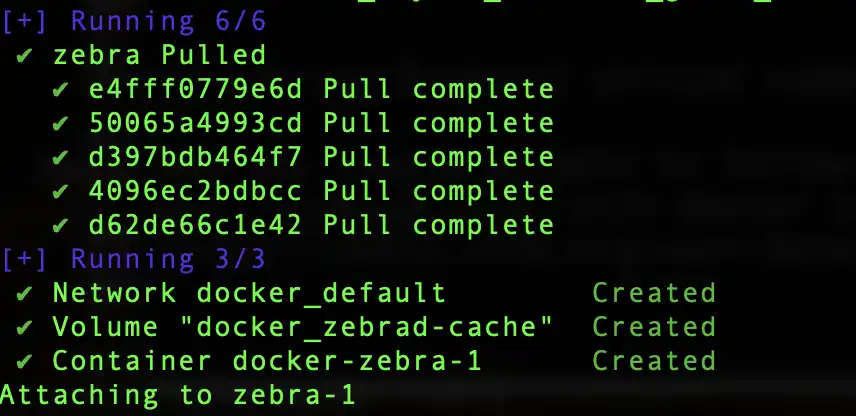
Now you should be able to follow along with the instructions to run zebrad and lightwalletd with docker compose. https://zebra.zfnd.org/user/docker.html#running-zebra-with-lightwalletd