
Hello folks! We haven't put editing and deleting comments in the UI on free2z🥴. We're an extremely small team of unpaid volunteers working to give you the best tools we can under the circumstances.
Good news though! I'm going to let you in on a little secret. You can edit and delete your Free2Z Converse comments using the f2z API. This might sound scary, but don't worry! It's actually easy and you don't need any special tools or knowledge.
Hopefully someday soon we'll expose this in the UI so you can easily click your way to the glory of revision and deletion. But, for now, we just want to let you know that if you really want to delete or edit your comment, you can do it in a few seconds. Here's how.
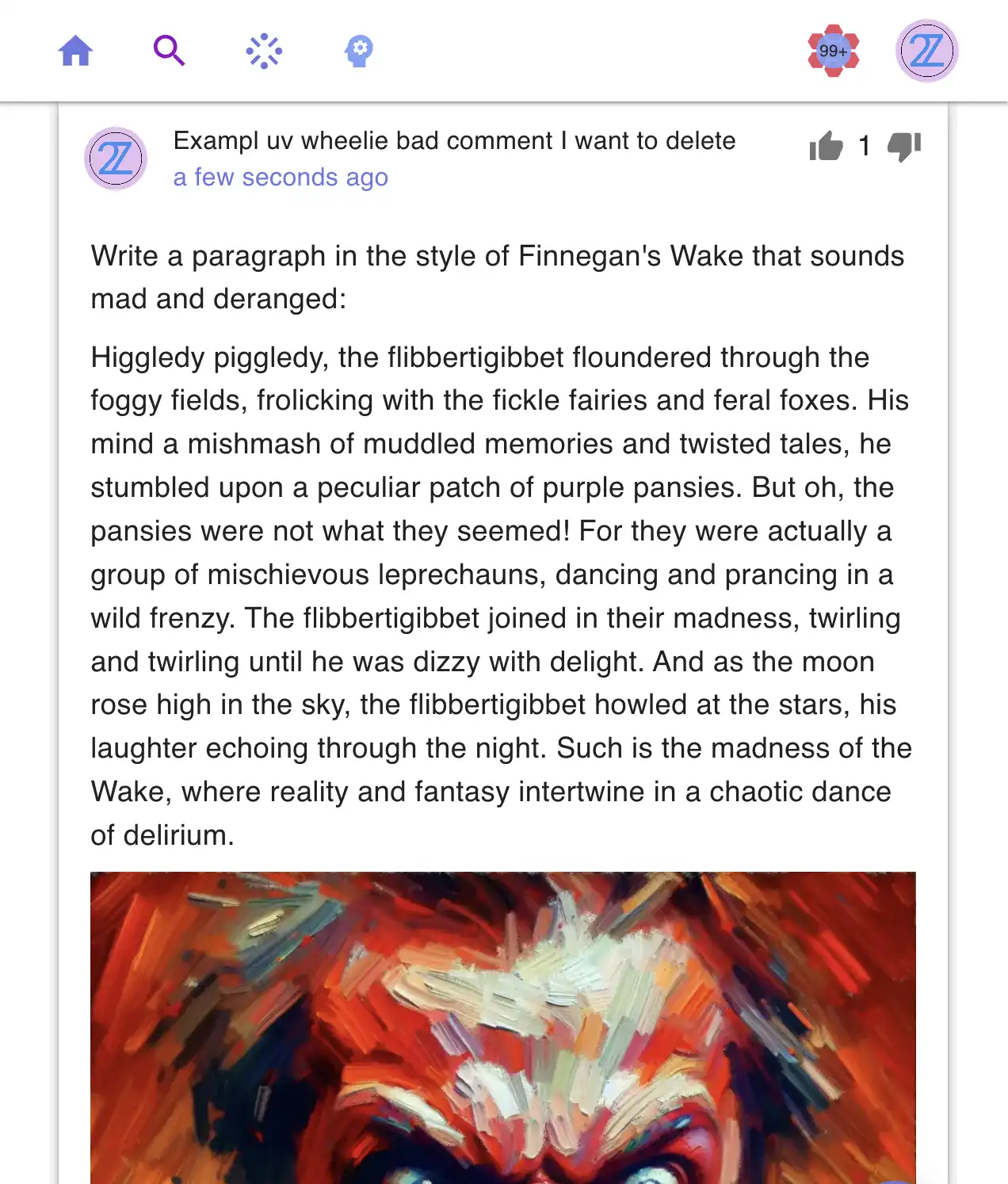
Check out this comment: go ahead, click here https://free2z.com/converse/0a0d791e-0b75-41e3-ba27-6b43450bead4.
You would see something like this:
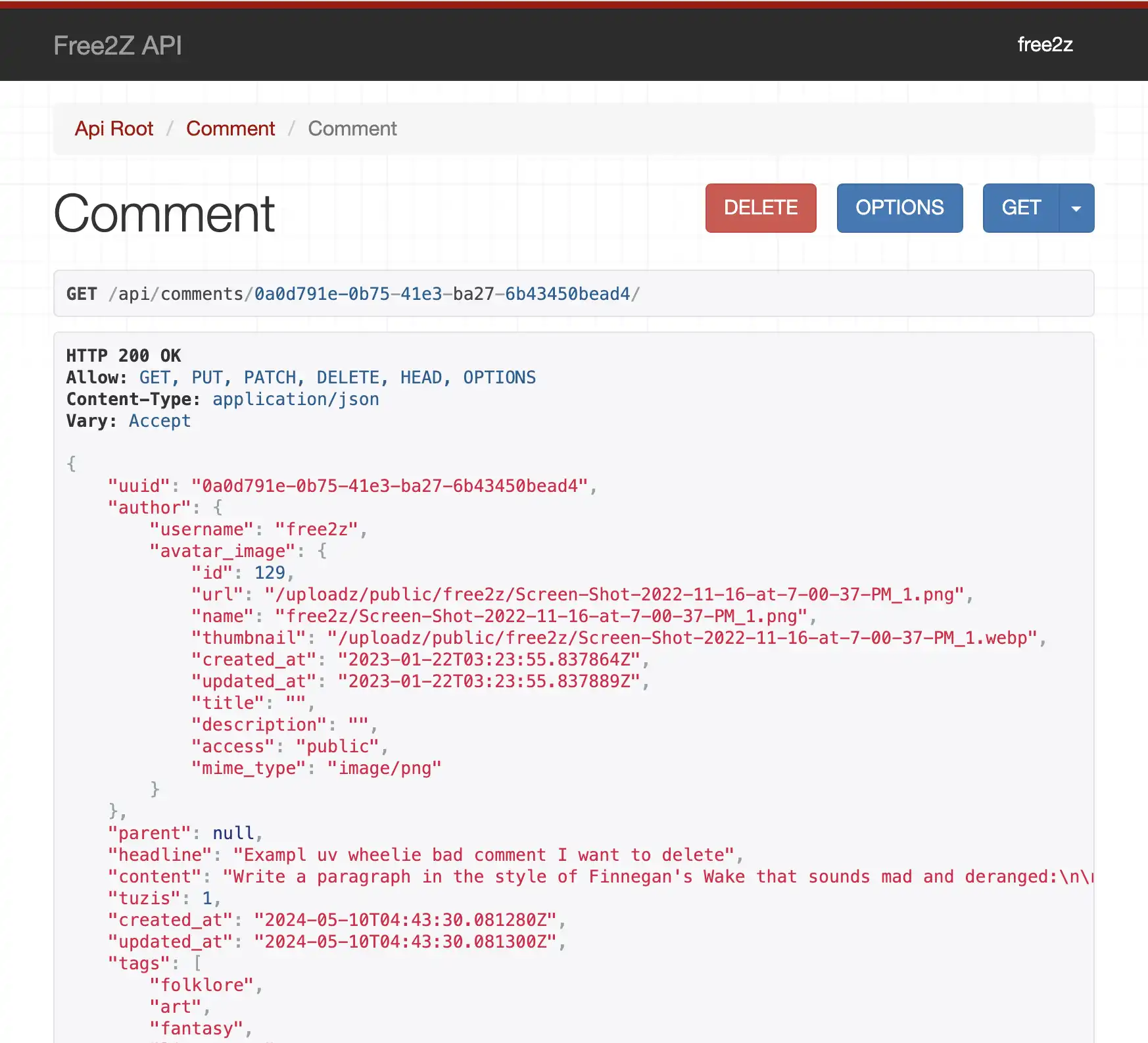
Okay, here's where I need you to stick with me just for a second. Look at the URL:

I'm really sorry I have to do this to you. But, if you switch out /converse/ for /api/comments/ in the URL, you will magically transported to a whole new world - the browsable API:
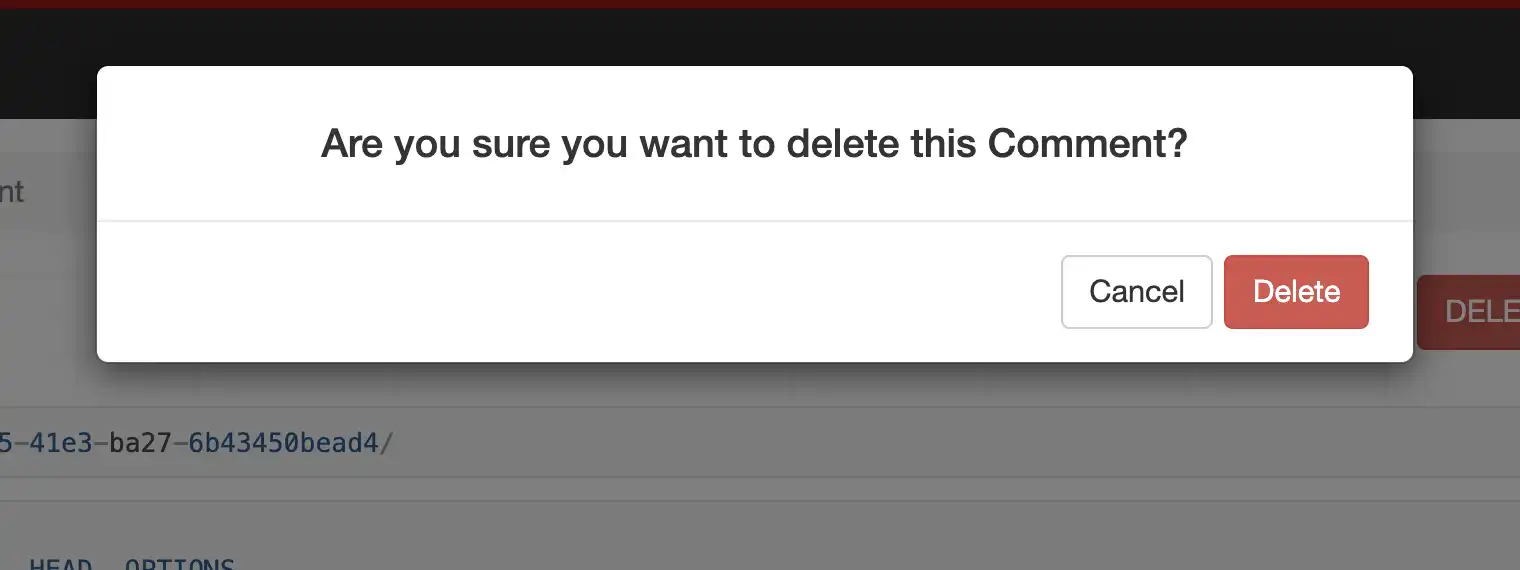
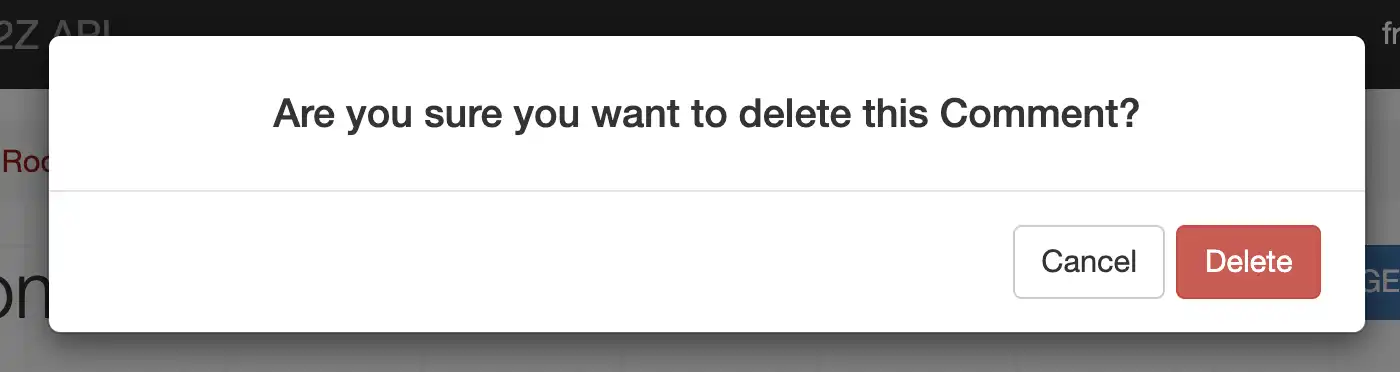
Here, if you want to delete the comment, tap the delete button and confirm:
Or, if you would like to edit it, you can do so in the form at the bottom of the page. Make the changes and click PUT:
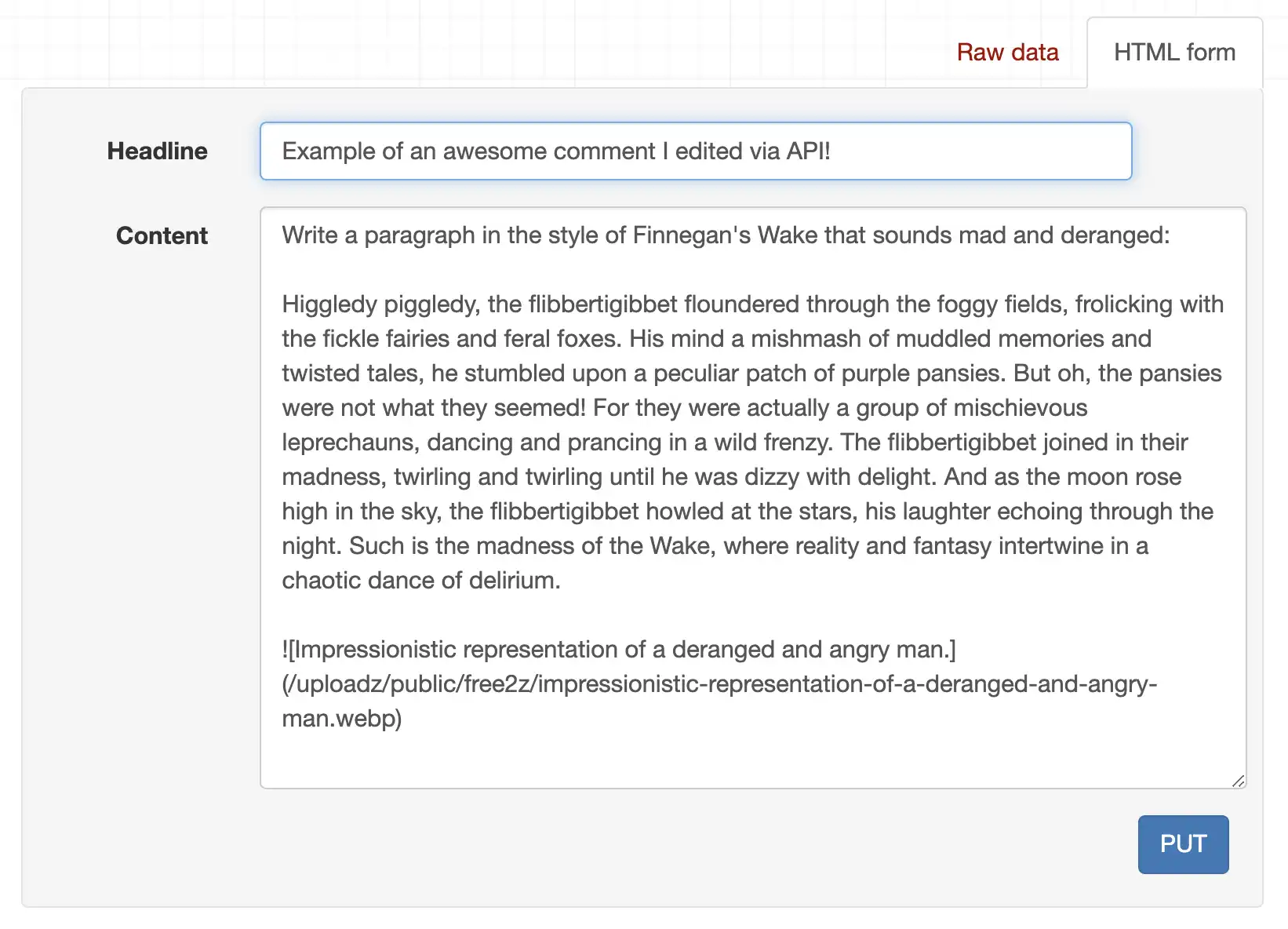
Now you know how to DELETE or edit your comments!
If you want to know more about what you can do with the API, check out the documentation. It's pretty sexy!
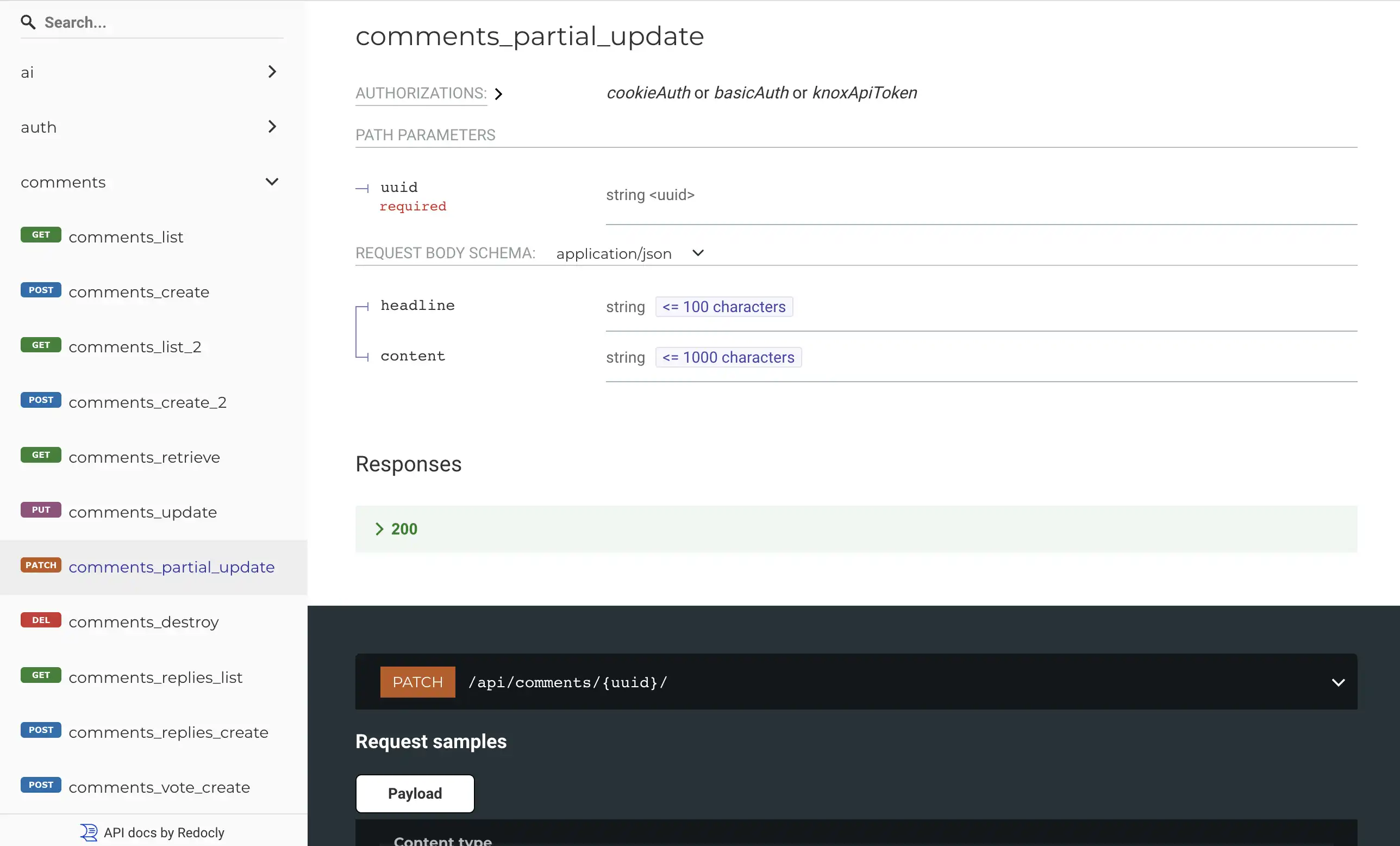
Call for collaboration
If you want to contribute to Free2Z and earn ZEC, there are a number of ways.
- Tell us about your good ideas for Free2Z
- Contribute with tutorials, media, videos, etc
- Report bugs
- Find security vulnerabilities
- Contribute to the code
- Spread the word, introduce new people and grant them 2Zs
These are some of the ways you can contribute to Free2Z and earn! Reach out, let us know how it goes and tell us about your skills and ideas. We want to help you help us help you!