
ZecHub Dashboard
Here.
Intro
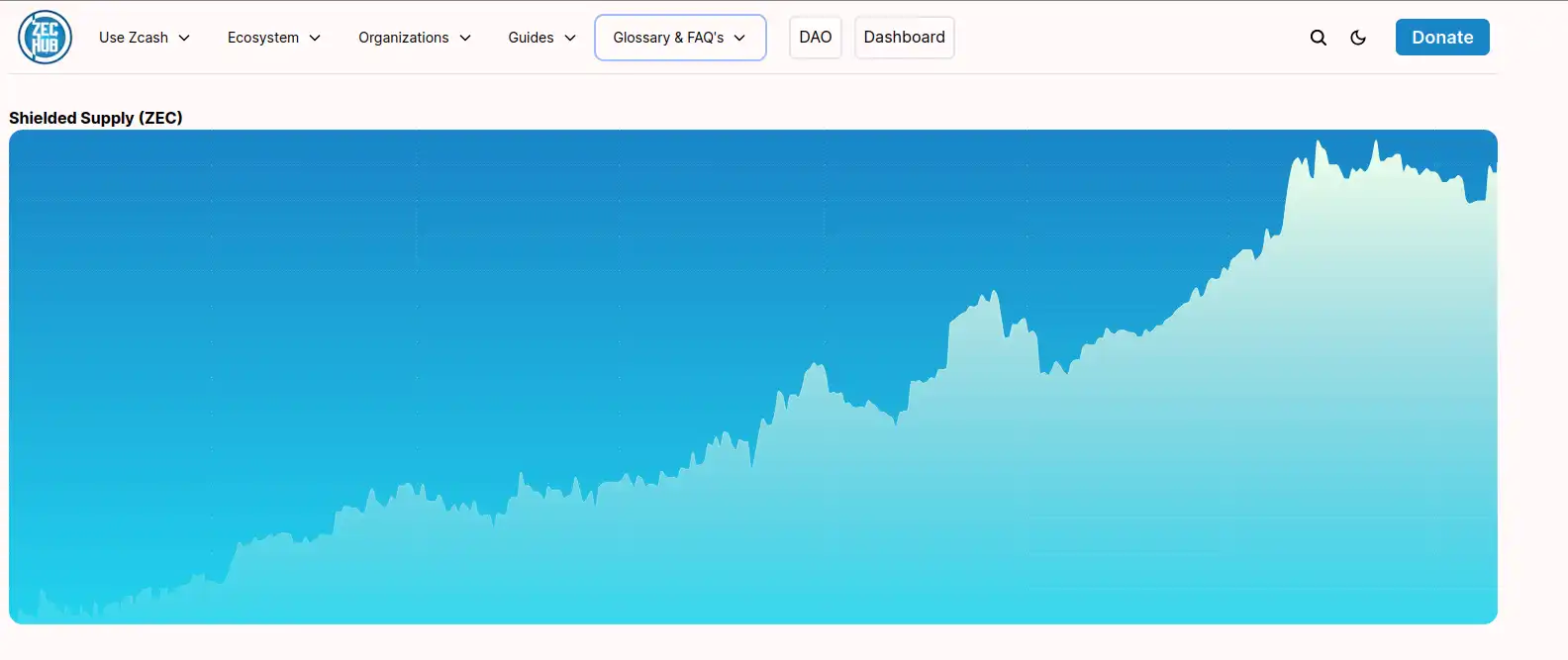
Finding accurate information on shielded supply is suprisingly difficult. Here is a Bash script that, when combined with the power of a Zcash Full node, can yield what we are looking for. Should note this project started after I wanted an easy way to extract info for myself here. The automation this script provides helps ZecHub's Dashboard really come to life!
Note: most blockchain explorers are wrong! You must verify!
Pre Reqs
- linux
- sudo apt install python3-github
- a zcashd node
How it works
From a high level this is what we will do:
- Extract latest node Data from a synced zcashd
- Download newest dashboard Data already on ZecHub.xyz
- Append freshly extracted node Data to downloaded dashboard Data
- Upload new dashboard Data to github in a format ZecHub.xyz likes
How to run
- chmod +x extractSupplyInfoZecHub.sh
- ./extractSupplyInfoZecHub.sh
note: If you need to use an alias (optional) do so like follows:
Myalias="/home/canakit/zcash-cli -datadir=/media/portableHD/.zcash/" ./extractSupplyInfoZecHub.sh $MyaliasScripts
extractSupplyInfoZecHub.sh
#!/bin/bash python3 ZecHubDashboardDownload.py alias="${1}" #1 represent 1st argumentalias2="${2}" #2 represents 2nd argument if [ -z "$alias" ]then a=($(zcash-cli getblockchaininfo | grep 'chainValue": [0-9]+' -Eo))else alias="$alias $alias2 getblockchaininfo" a=($($alias | grep 'chainValue": [0-9]+' -Eo))fi a=("${a[@]#chainValue}") SSupply="$((${a[1]}-${a[3]}))"now=$(date +'%m/%d/%Y') tail -n +2 newData > newData echo " }," >> newDataecho " {" >> newDataecho " \"supply\": $SSupply," >> newDataecho " \"close\": \"$now\"" >> newDataecho " }" >> newDataecho "]" >> newData head -n -2 dataset.json > tempcat temp newData > NEW.json python3 ZecHubDashboardUpload.pyZecHubDashboardDownload.py
from github import Github g = Github('your GitHub access token') repo = g.get_repo('ZecHub/zechub-wiki') contents = repo.get_contents('public/data/shielded_supply.json') decoded = contents.decoded_content with open('dataset.json', 'wb') as f: f.write(decoded)ZecHubDashboardUpload.py
from github import Github g = Github('your GitHub access token') repo = g.get_repo('ZecHub/zechub-wiki') contents = repo.get_contents("public/data/shielded_supply.json") with open('NEW.json', 'r') as file: data = file.read() repo.update_file('public/data/shielded_supply.json', 'upload shielded_supply.json', data, contents.sha, branch='main')