
OpenShot with GPU Acceleration
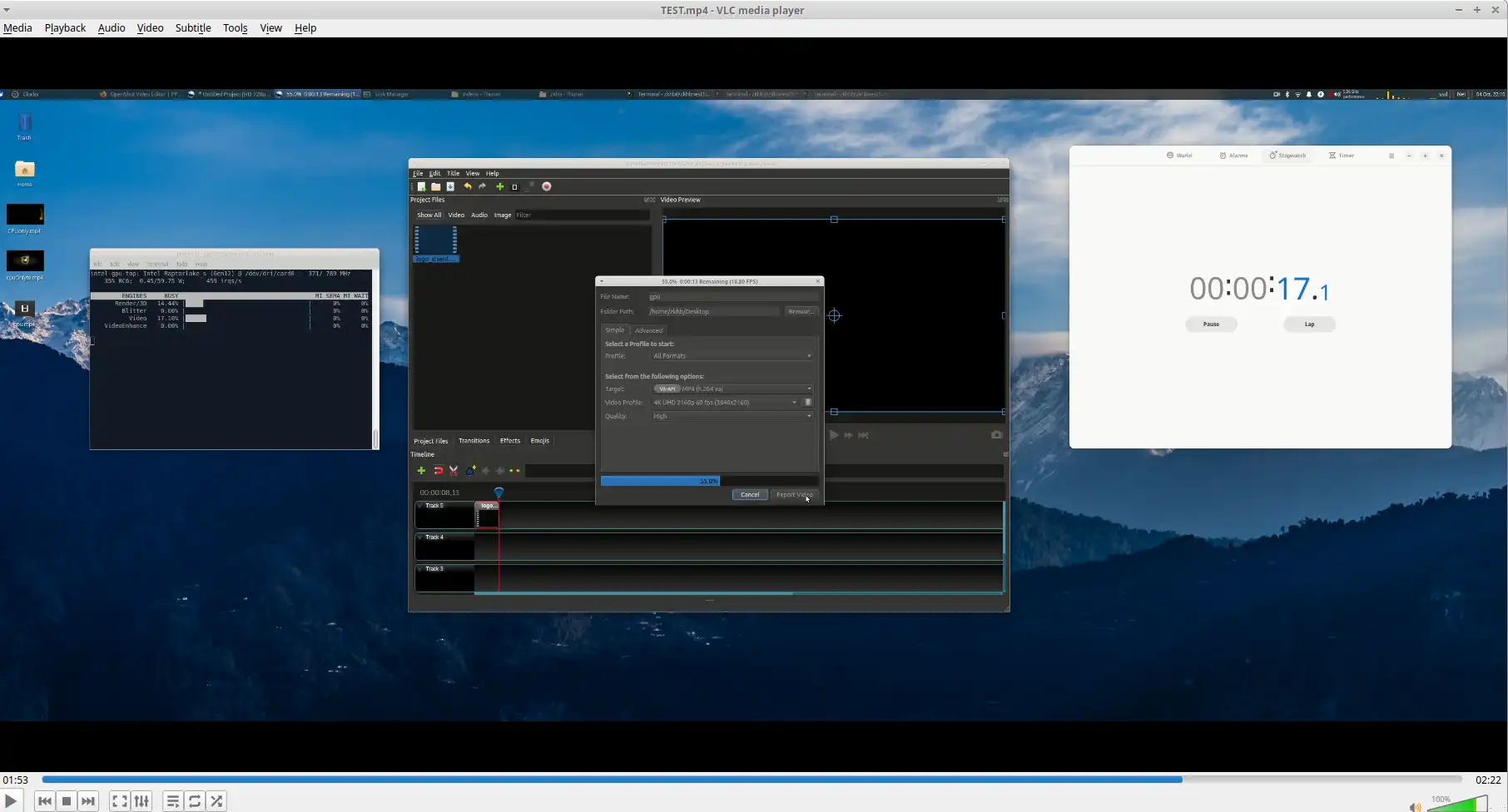
Creating videos using OpenShot is free but enabling HW acceleration can be tricky. Using an integrated Intel GPU I was able reduce the CPU usage in half by using the GPU instead.
HOWTO
- Go here and add the Daily PPA (Highly experimental and unstable, but contains daily updates for testers)
Note that using the current appimage or stable PPA wont work!
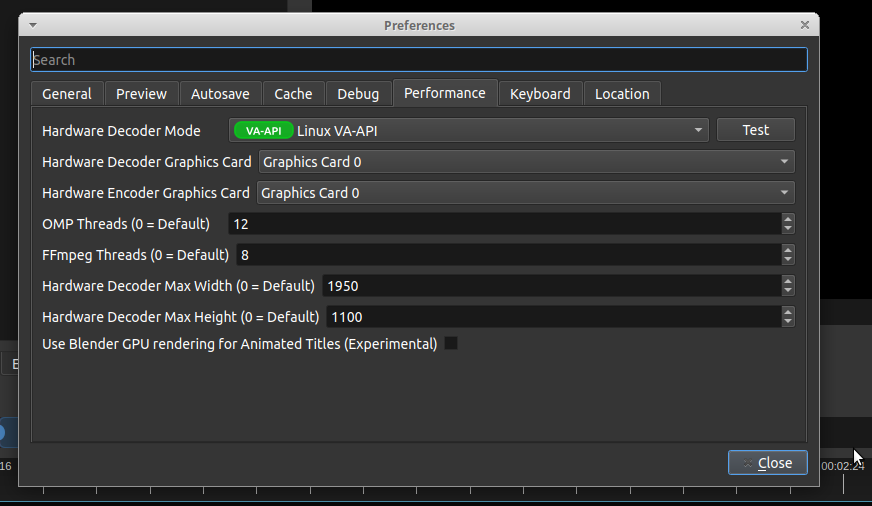
- Open OpenShot and navigate into Preferences. Select as indicated in the above picture. Note: clicking test will close the app, dont press it! Just select and close to save and restart the app.
3.) As the below video shows, select the VA-API option when exporting videos!
Notice the difference in GPU usage AND CPU usage between the two modes. 🔍