
Telegram is one of the largest social media apps in the world, boasting a user base of more than 800 million users. Recently, in its latest updated version, they introduced a crypto wallet that currently supports TON, Tron USDT, and Bitcoin (BTC).
For those who still remember, Telegram's native token faced issues with the Securities and Exchange Commission (SEC) years ago, leading to its shutdown. However, they managed to overcome this hurdle and now support TON, a project backed by the team behind Telegram. It's this support that makes it possible to launch and integrate a crypto wallet into the app.
It's also important to understand that the wallet isn't non-custodial, as the team behind it doesn't provide users with the ability to secure their assets independently. Instead, it serves as a platform for storing and using virtual assets managed by a third-party entity. Let's delve a bit deeper to comprehend how this wallet operates.
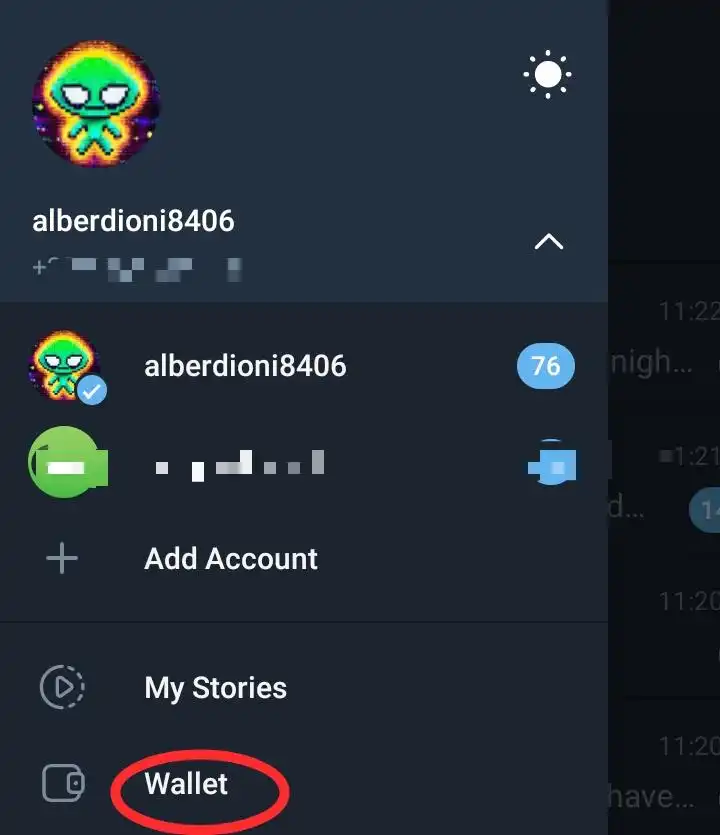
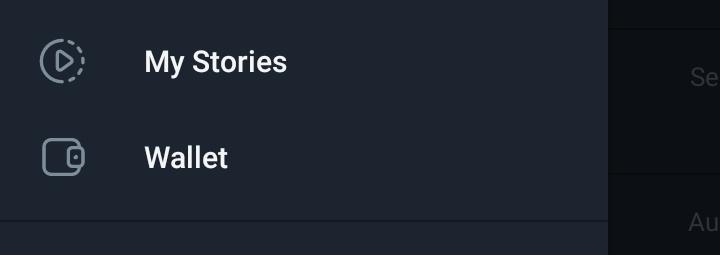
To find the wallet in Telegram, users first need to make sure their app is updated to the latest version. Then, they need to go to their dashboard settings and scroll down to find it. Clicking on it opens to show how the wallet is structured: a send, exchange, and sell button.
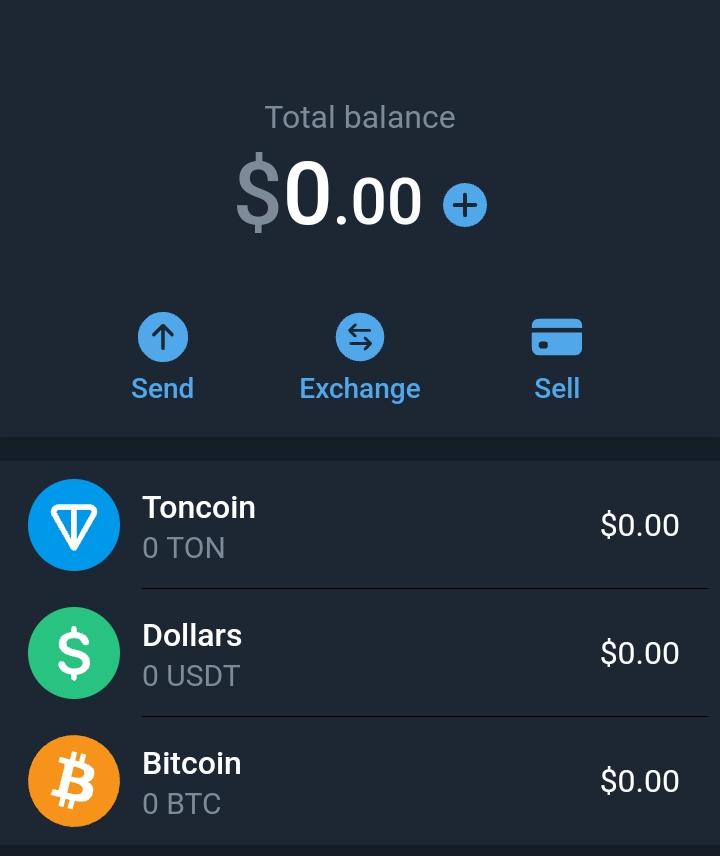
It also displays the currencies the wallet currently supports: Toncoin, Dollars, and Bitcoin (BTC).
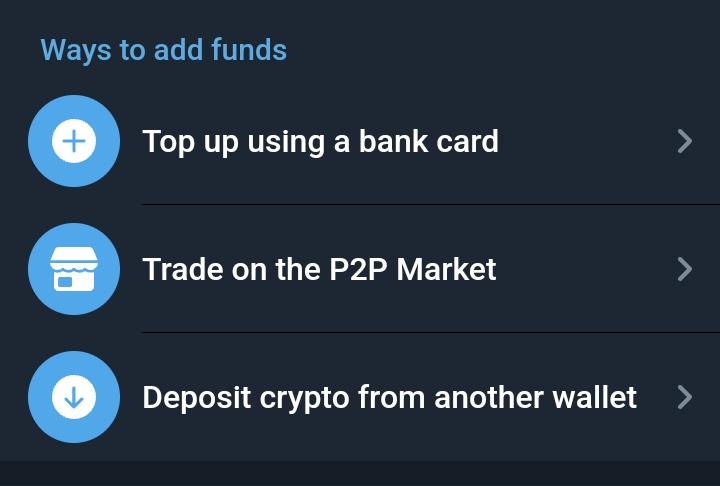
In order to use or top up the Telegram wallet, users have three options. They can buy crypto using their credit or debit card, use a P2P market, or deposit funds using an external wallet to access their Telegram wallet. Using the P2P market, users can buy or sell the currencies supported by the Telegram wallet, creating ads that can be claimed depending on users' needs.
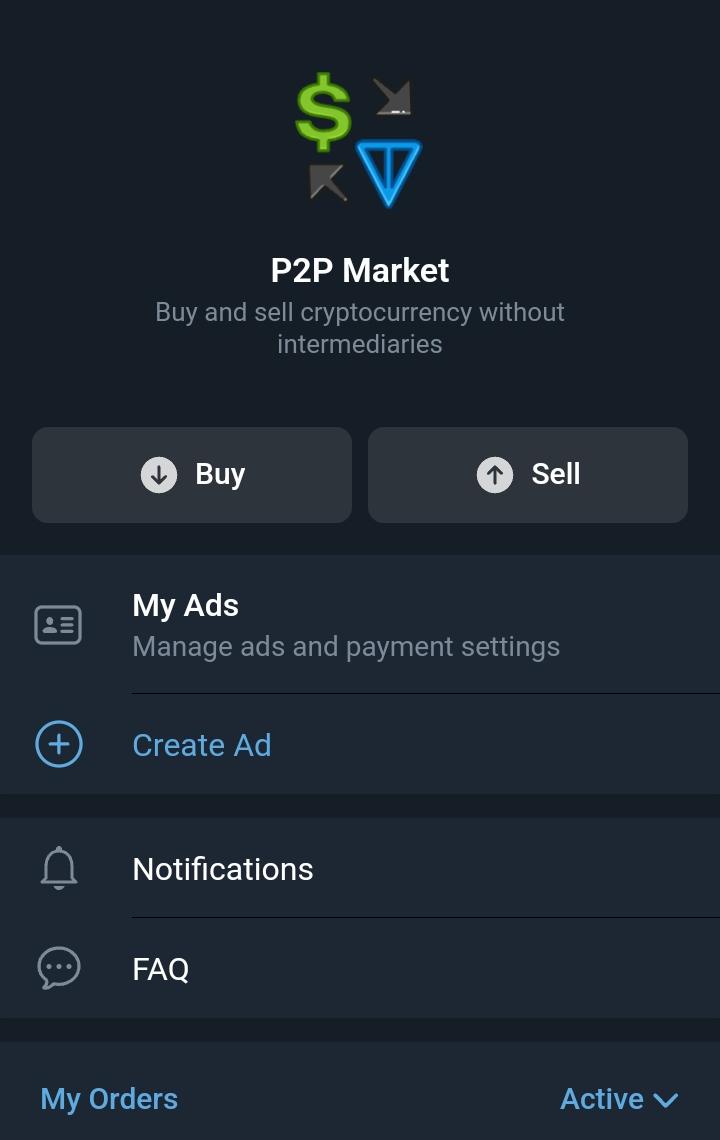
It's important for users who need to use the Peer-to-peer market to read and understand the FAQs about this trading platform before engaging with it to avoid committing infractions and getting penalized for it.
To top up the Telegram wallet using an external wallet, users need to first choose the asset they want to fund within the wallet, then copy the address and send funds using the exact network to avoid losing the funds. For example, if users want to receive USDT in their wallet, they need to copy the address from the Telegram wallet and send only Tron USDT from an external wallet to that address, as the wallet currently only supports that network for funding users' wallets.
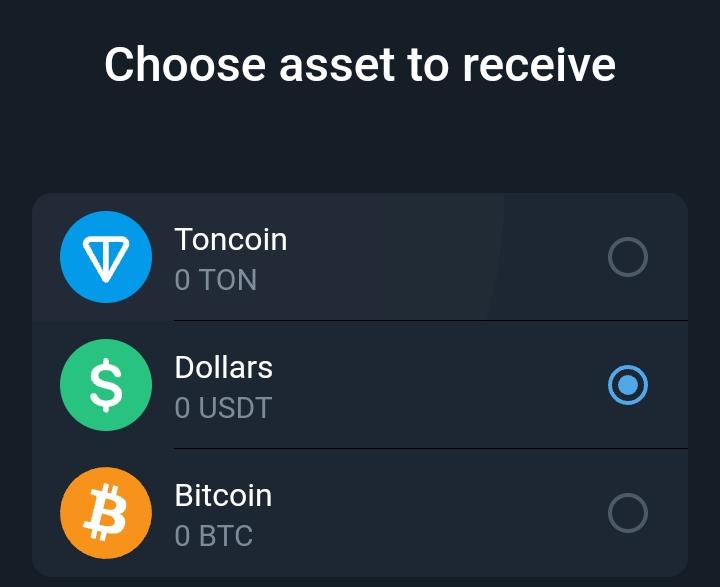
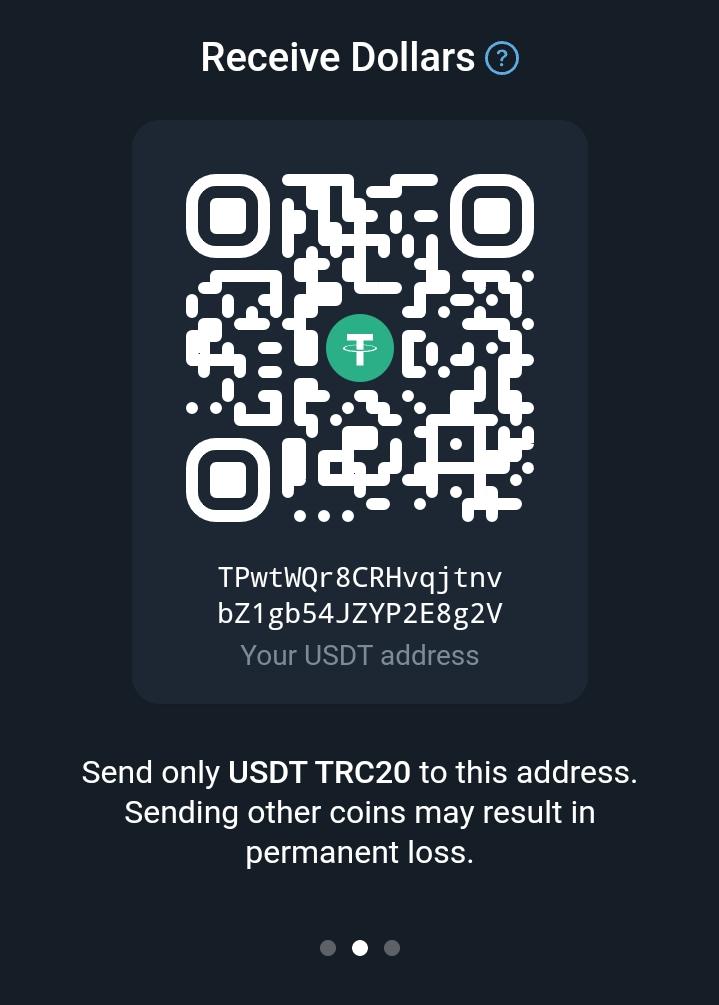
For buying with debit or credit cards, users should be aware that there are thresholds to meet, and each of the currencies that the Telegram wallet supports has its own threshold. Pay attention to this.
As I mentioned at the beginning of the article, the Telegram wallet isn't non-custodial, so there are levels of KYC to complete when wanting to deposit values into it. The basic account has limits for receiving and sending, and it's important to interact with the wallet to understand them. There are three levels of KYC: the basic (which doesn't require KYC, but the limits are considerably lower, with each user only able to receive €15,000 daily, not exceeding €35,000 monthly).
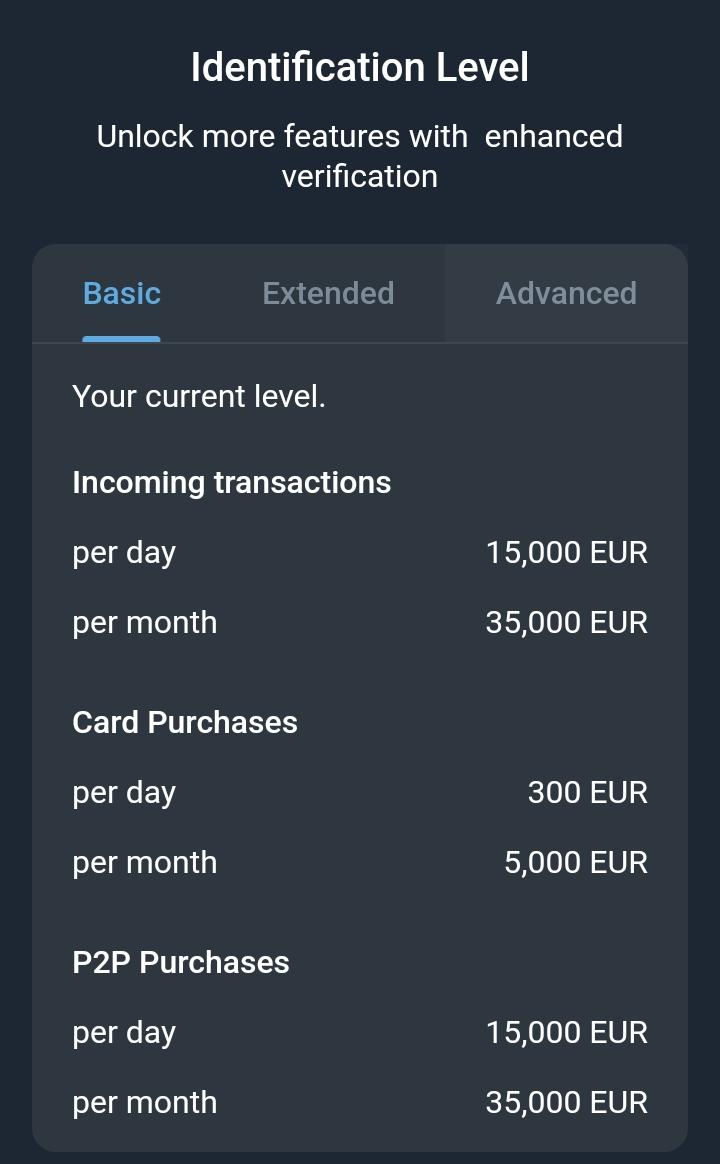
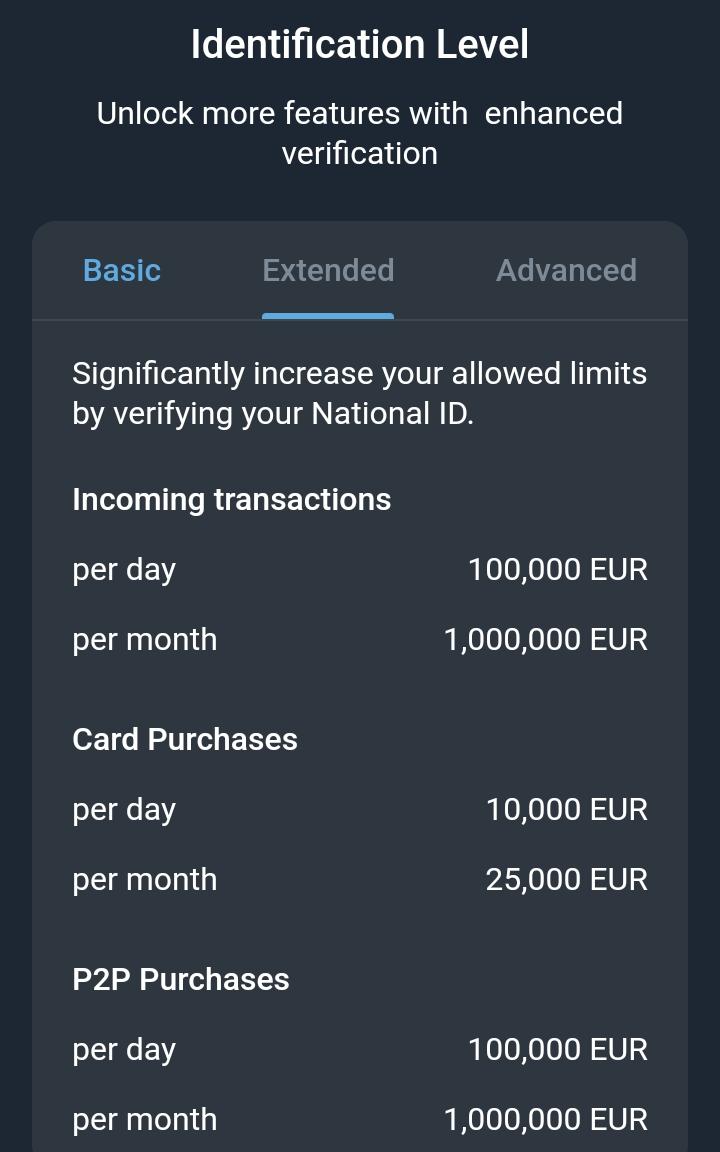
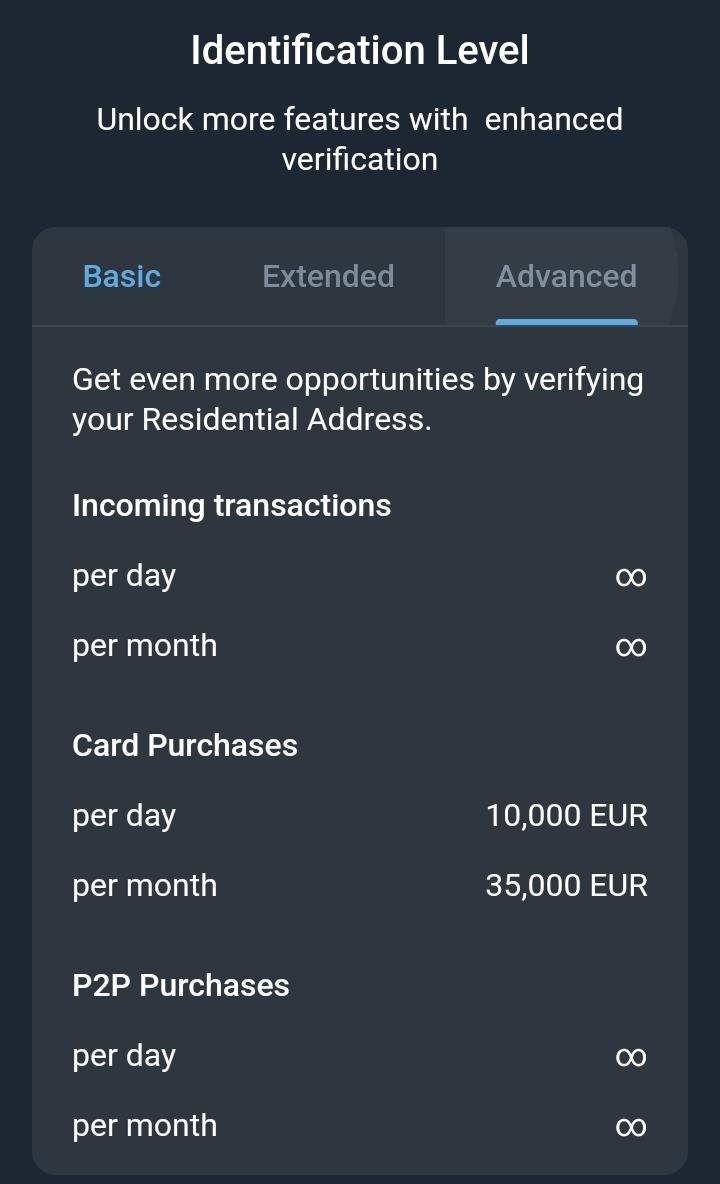
In the Extended level of verification, users can receive up to €100,000 daily and over a million Euros monthly. In the Advanced Level of verification, users reach the phase where there's no limit for receiving or sending crypto, but these two levels need to be verified using ID, driver's license or passport, which means disclosing vital information about users' identity.
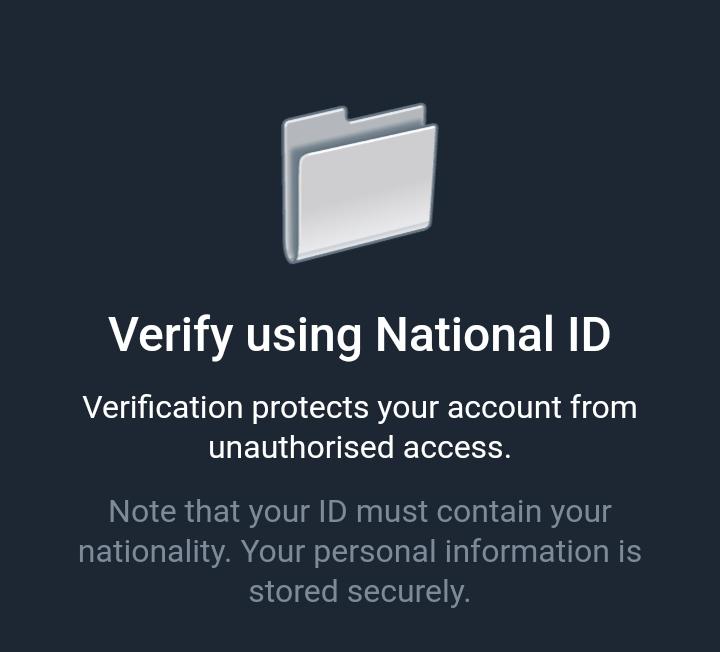
Overall, the Telegram wallet can introduce a crypto wallet to its vast user base and even encourage some to adopt it, but there are things to understand before using it. Users need to realize that the wallet is custodial, it only supports Toncoin, Tron USDT, and Bitcoin (BTC). Additionally, the Telegram wallet has three levels of KYC verification, each with different daily and monthly limits for incoming and purchasing.
It's a good approach, but for those looking to control a wallet independently, the Telegram wallet doesn't support this feature and functions more like an exchange within Telegram, making it easier for users to spend their assets more effectively. So, if you plan to use the wallet, keep all of this in mind, and have a great day.
Keep showing your support to my blog and donate to keep it active! I appreciate all what you do and let's make F2Z a hotspot.
Article 104