
The Brave Browser isn't a stranger to the crypto community or to providing vital tools for effective online browsing privacy, but unlike its competitors, it offers more than just a browser.
Brave is a private browsing tool and crypto wallet that allows interaction in a tracking-free ecosystem, enhancing privacy while browsing, and also prevents companies from launching intrusive ads, making browsing more pleasant.
As a wallet, it enables users to use cryptocurrencies privately and effectively without needing to leave the browser, for example, to make a payment or swap, as everything is available on the dashboard and just a click away.
But besides being a private browser and a cryptocurrency wallet, Brave is always innovating and keeping up with all modern tools for effective online interaction, so it would be a bit strange if it didn't incorporate an artificial intelligence assistant into its environment.
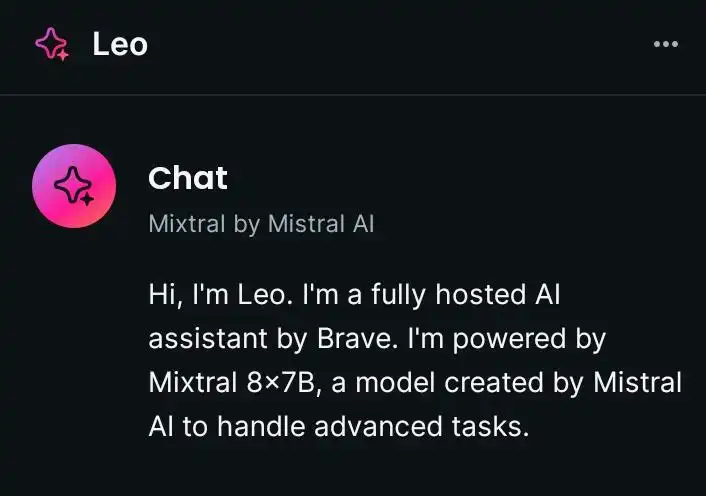
It's Here where Leo comes in , the private AI assistant from Brave that doesn't record any usage information and helps, for example, facilitate interaction with websites and gain more knowledge, all within Brave and also just a click away. The only downside for me with Brave is that it's not entirely free, but still an excellent tool for those who want to stay up to date with technological innovations.
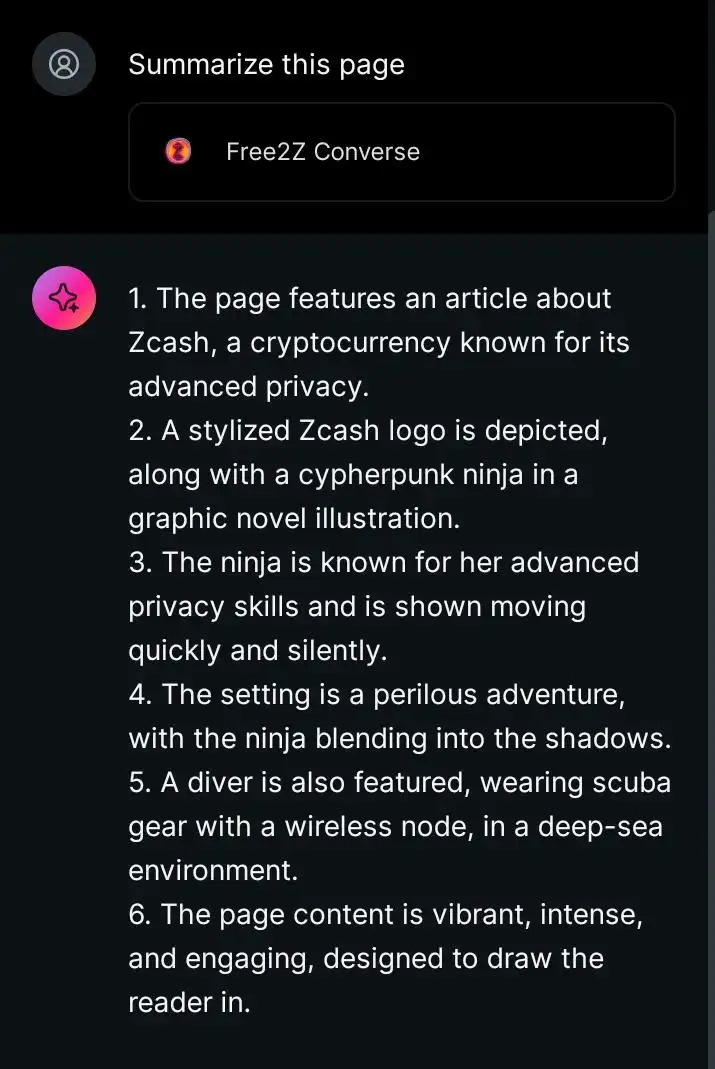
In my interaction with Leo, I was impressed because he can, for example, give an accurate summary of a website the user is visiting in just a few seconds and doesn't store any information of it in its database, thus increasing online privacy.
For instance, while browsing Free2z, I asked Leo to summarize the content of the article I was reading, and flawlessly, he provided a brief overview of the conversation's content in just a few seconds. Now, users can directly converse with Leo and have him provide answers, facts, or even assist in correcting grammar in any text and more.
Certainly, there are better AI assistants like the one Free2Z has, but what immediately stands out with Leo is that, for example, he can summarize pages the reader is on in fractions of seconds and keep the user engaged with the browser without having to switch to an assistant outside of the desktop environment.
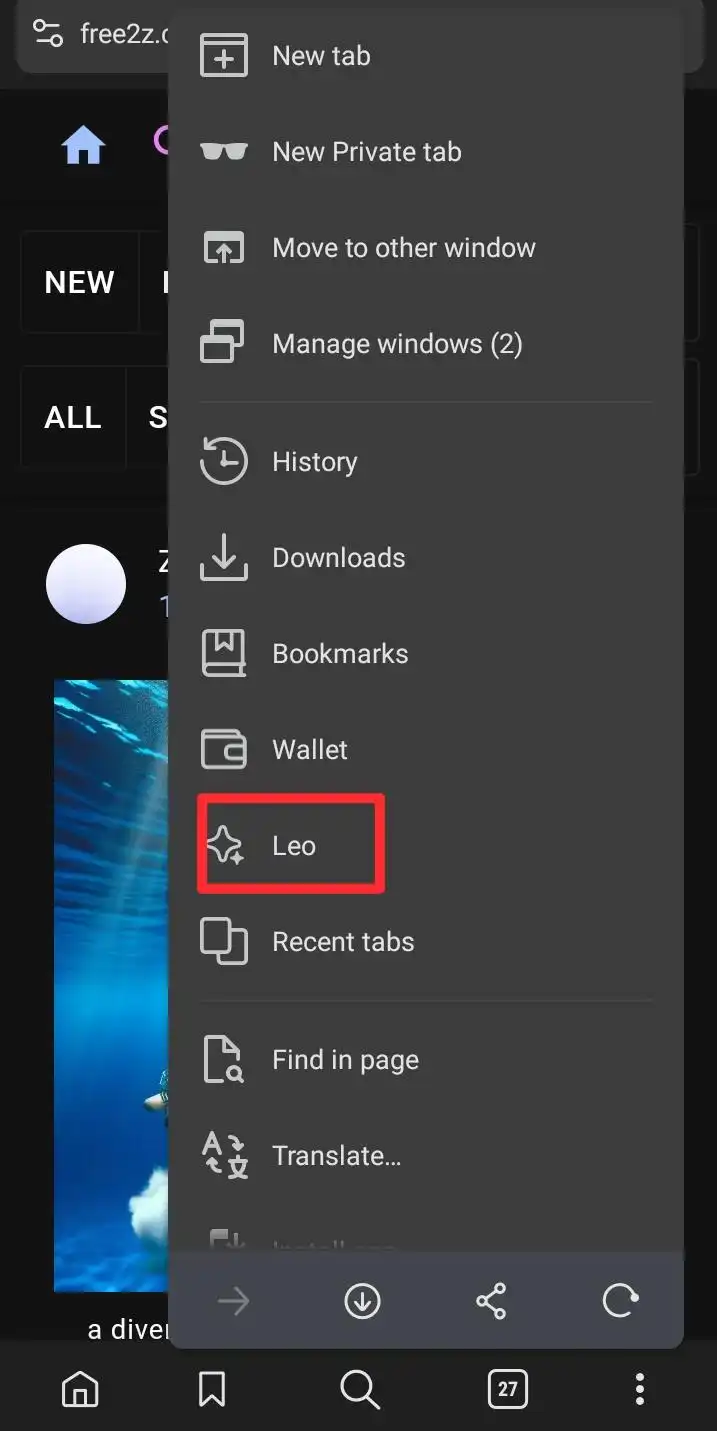
If you haven't seen Leo yet, simply scroll through the three dots on the right in the Brave Wallet and then you'll see "Leo" written in the menu, then just click and interact with him. Stay tuned as he will only do some free searches but will then ask you to subscribe to a paid subscription.
However, despite this drawback, what stands out is the tool that enhances the enjoyment of private browsing and enjoying an intelligent assistant all under the Brave browser.
Remember:
Content is KING!
Support this blog to incentivize my daily writings and to keep pace with all happenings in crypto: share, comment, tip ; after all, creators depend on sponsors donations to succeed.