
Mon, Nov 6
The Brave browser is definitely the best free and private browser available today. It has a continuously growing user base, and when combined with its cryptocurrency interaction system, it further reinforces its importance in the decentralized ecosystem.
Now, in addition to its privacy features and cryptocurrency wallet, users can interact using an artificial intelligence assistant to assist in navigation.
It was expected that the Brave team wouldn't miss the opportunity to combine the useful with the enjoyable and integrate a technology that is evolving. After all, artificial intelligence has endless capabilities, and Leo, the new assistant in the Brave browser, is set to greatly improve the browsing experience.
Currently, according to the Brave Browser team, the assistant will only be available for desktop Brave users, with plans to extend it to Android and iOS users soon.
Now, how does Leo work in Brave?
"Brave Leo" is a special feature in the Brave browser that adds interactivity to the web pages you visit. Imagine being able to have a chat with a helpful assistant, Leo, while you're on a web page. You can ask Leo questions or request information without leaving the page you're on.
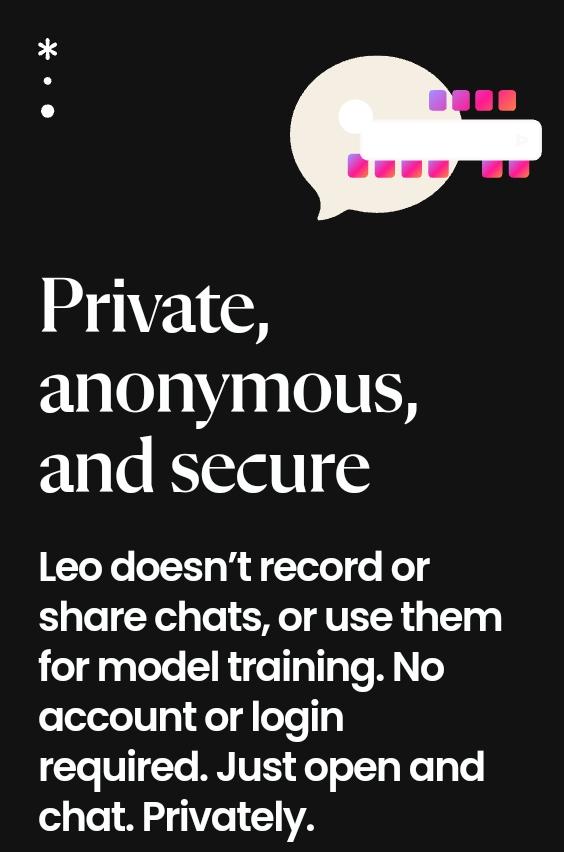
The key features of Brave Leo are:
Privacy and Security: When you chat with Leo, it's completely private and secure. Leo doesn't keep a record of your chats, and you don't need to create an account or log in to use it.
What Leo Can Do: Leo is quite versatile. You can ask Leo to summarize the web page you're reading, seek clarification about the content, or get different viewpoints on a topic. Additionally, Leo can translate text between different languages and transcribe audio and video content. You can even have back-and-forth conversations with Leo.
Data Sent to Servers: When you chat with Leo, some data is sent to Brave's servers. This typically includes your ongoing conversation with Leo, the context of your chat, and, if needed, information from the web page you're currently viewing. For example, if you're chatting about an article, the article's text might be sent. However, it's crucial to note that all this data is promptly deleted once your chat session ends.

No Chat History: You won't find a history of your past chats with Leo because that data is not stored at all. This ensures that your conversations remain private. Your personal information is also safeguarded, as it's never shared with Brave's servers or any third parties.
In simple terms, Brave Leo is like a helpful and private assistant that you can chat with while browsing the web. It won't remember your chats, and it won't share your data with anyone. Your privacy is protected, and you can use it without needing to create an account.
What are your thoughts on this new feature of the Brave Browser?
If you appreciate our informative articles and want to support our pursuit of truth, consider making a donation. Your support is invaluable. Click here Or click the donation/tip button to contribute directly to this article. Thank you for your generosity!