
Creating a Store with Zcash Payments
Simple steps how to integrate Zgo Payment Processor for accepting Shielded Zcash payments in our online store.
Set up website on Wordpress
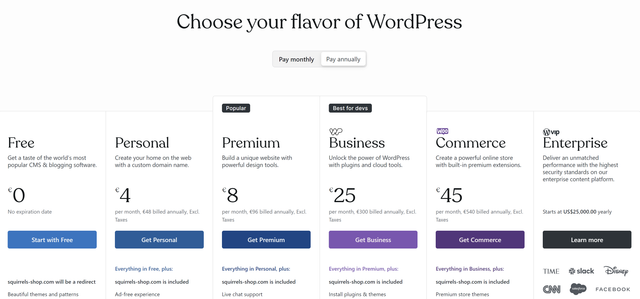
- Create a woocommerce wordpress site. To use plugins you must select the Business tier option priced ~$40/month.
Select a store template for your site.
Enter your business information.
Integrate Zgo Payment Processor
- Set up your Zgo Account. https://app.zgo.cash -> Scan QR with shielded Zcash wallet to receive Zgo Login code.
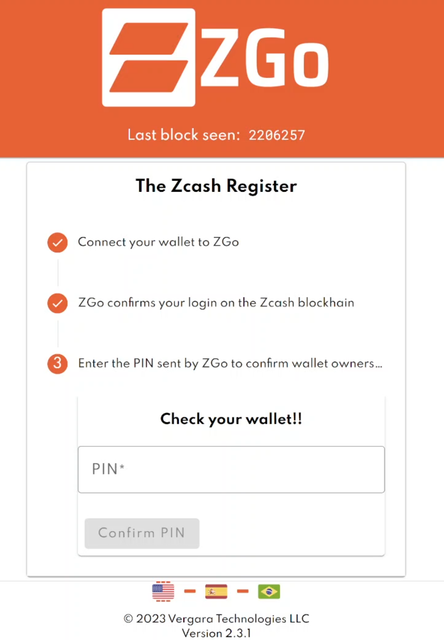
Download Zgo plugin (ZGoPmtGwy-xx.zip)here.
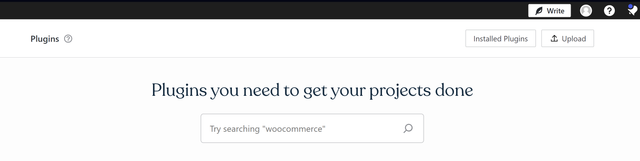
On wordpress, upload the plugin file. Go to plugins->upload plugin
Activate a Zgo subscription by contacting Zgo team | contact@zgo.cash (Affordable payment in ZEC!)
Settings->WooCommerce->Payments | scroll to Zgo and select
Enter your website URL + token into Zgo App.
You're all set!
Important note: When creating the checkout page of your store, you may need to use woocommerce shortcodes instead of the 'Checkout Block'. More Info
Ideas for your Website!
Sell Tickets for music/gaming events with Zcash as payment option.
Digital collectibles (Artwork & NFT's).
Virtual Gift Card / Mobile top-up site with Shielded ZEC payment.
When making a purchase customers will be presented with Shielded Zcash option alongside regular payment options such as Paypal or Credit/Debit card. They are presented with an Invoice page with QR payment. Once 5 blocks have confirmed the order will be marked paid on wordpress.
Video Guide
Resources