

Navigating the crypto-world can be intimidating for a newbee. I for one, have settled for user-friendliness over cost effectiness more than once. In this blogpost I will take you by the hand and show you how to save money swapping tokens using the NEAR Intent Webapp.
Let's start swapping ZEC to BTC!
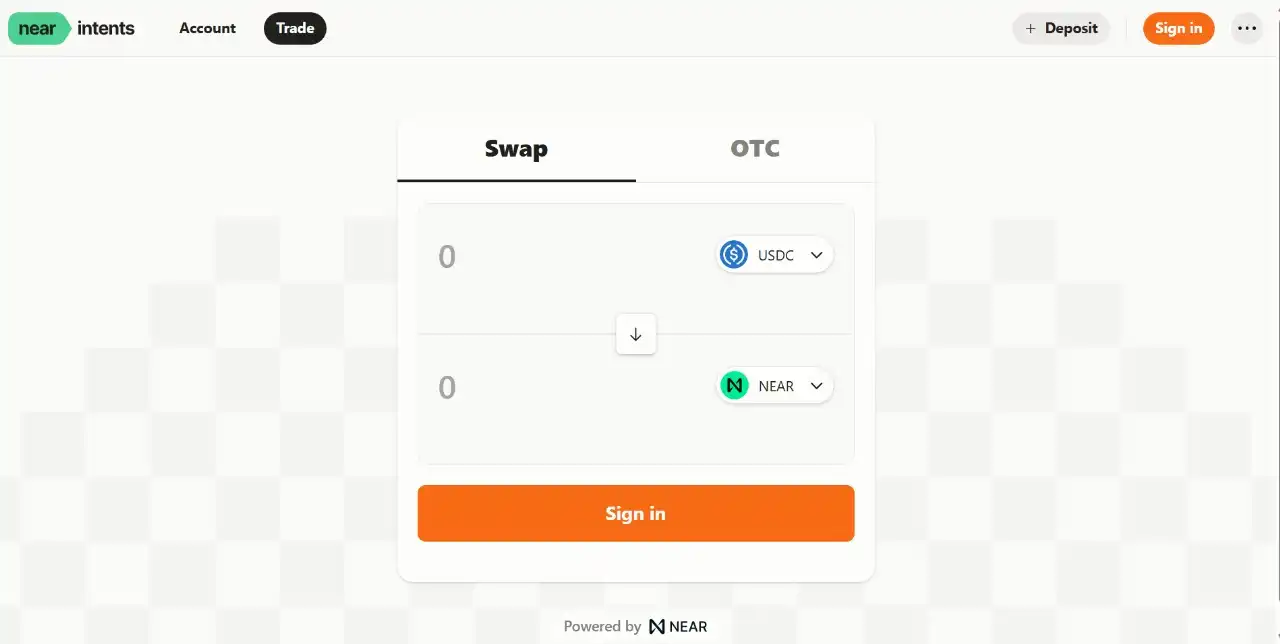
- Go to the NEAR Intent Webapp , it should look like this:
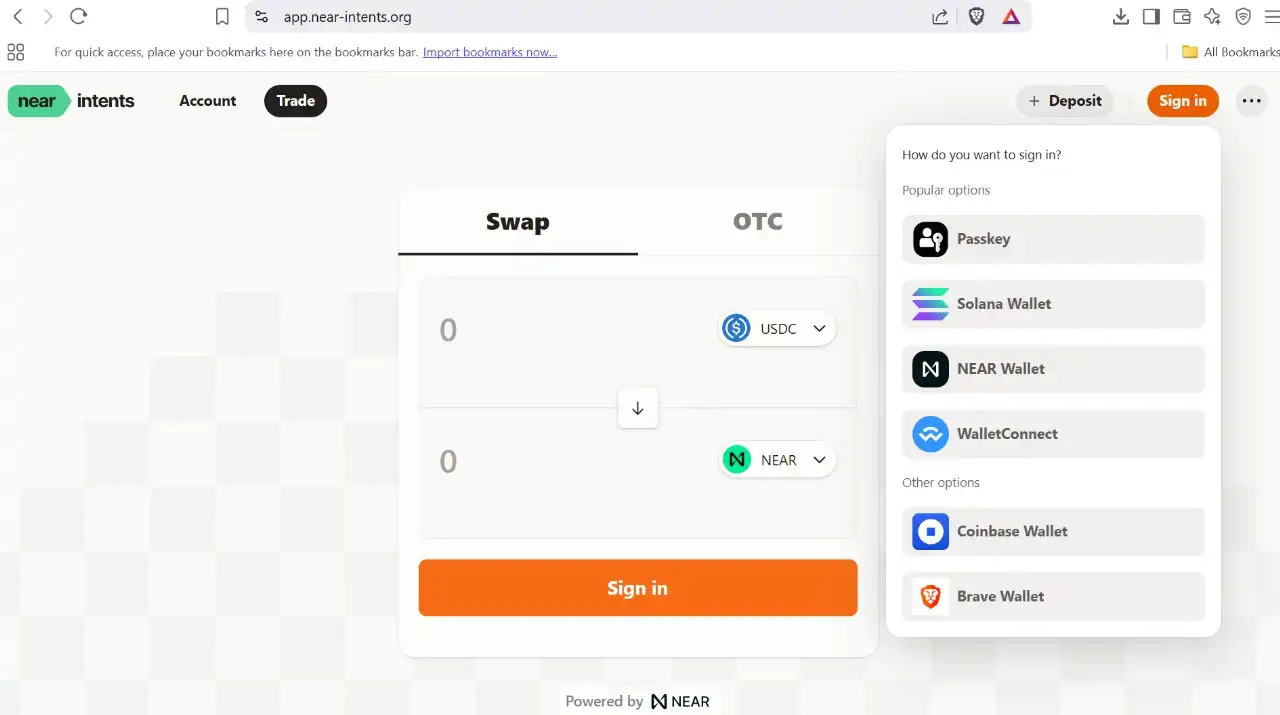
- Brave Browser includes a built-in crypto wallet called Brave Wallet. Sign in using the drop-down menu.
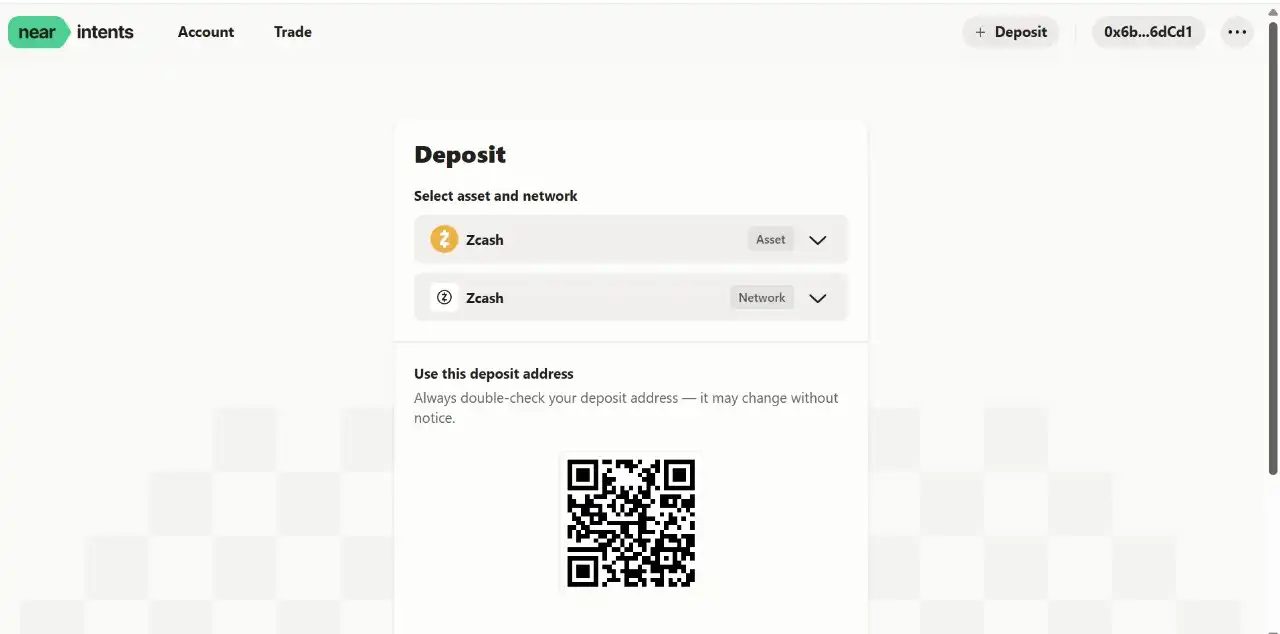
- To start swapping ZEC for BTC, you first need to deposit ZEC. Click on 'DEPOSIT' in the right corner of the NEAR Intent Webapp and copy the deposit address to deposit some ZEC from your Zingo wallet (or any other wallet). Make sure you select the ZEC asset, on the Zcash Network.
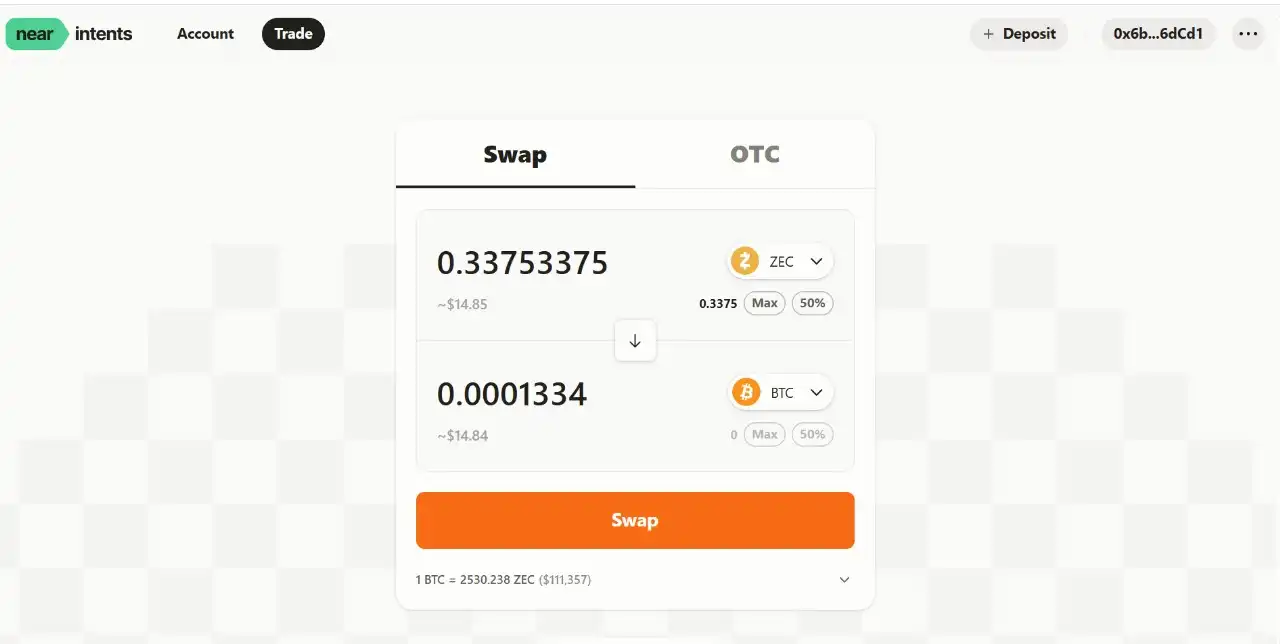
- Go to TRADE > SWAP. Once your ZEC is received, it should show up like this. Select the asset you want to swap with. Fill in how much ZEC you want to swap and click SWAP.
- This message will pop up. Leave empty and click SIGN.
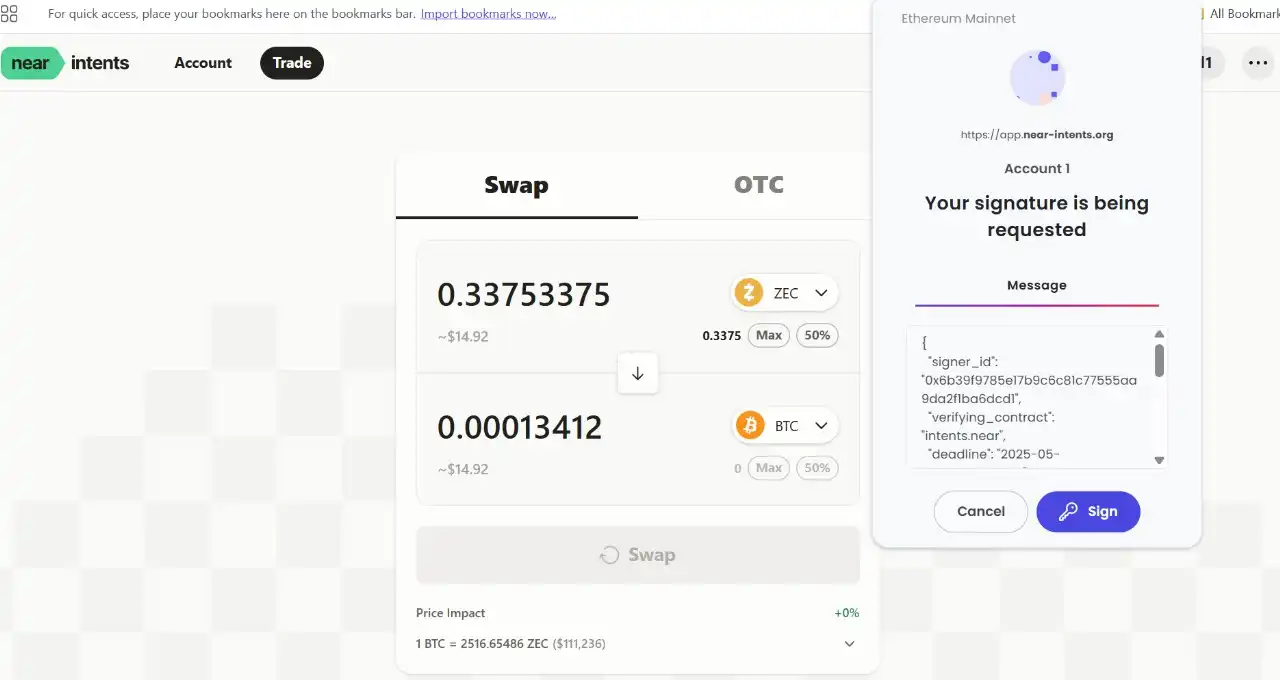
- Easy peasy, your ZEC is now swapped to BTC. Under ACCOUNT it will show up like this.
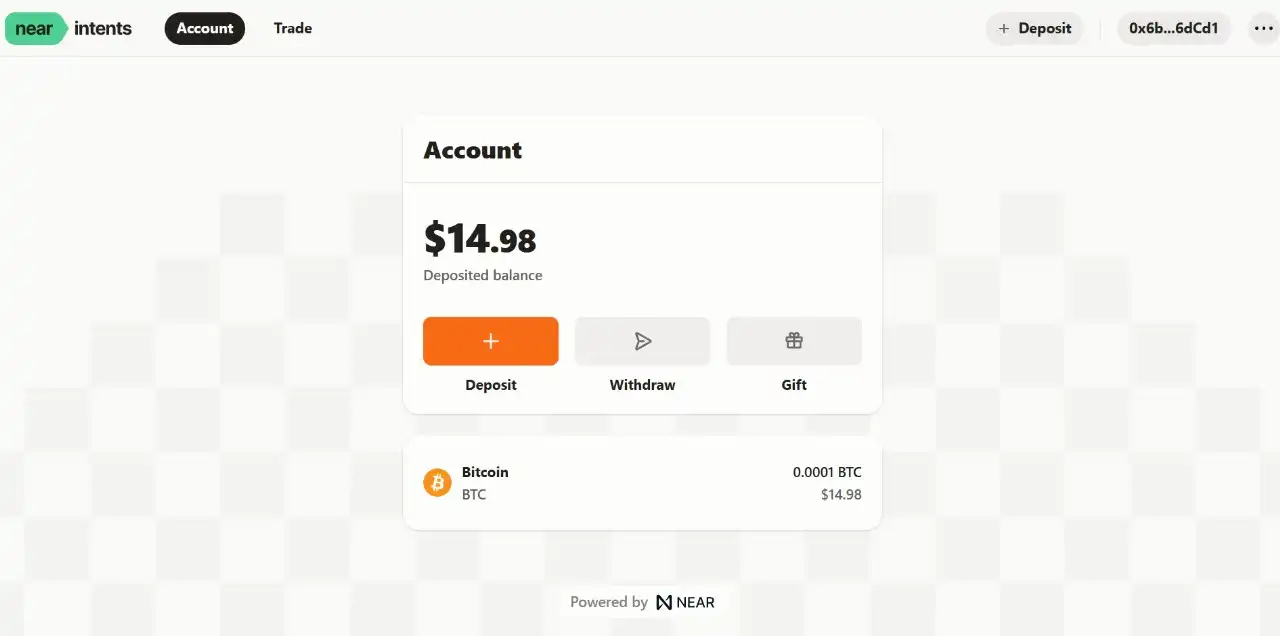
Instead of costing dollars (depending on the time of transaction and platform), you have just swapped your ZEC for the cost of a few cents!
Of course, from here, you can send your BTC to any wallet you prefer.