
❗ IMPORTANT: ZemeTeam stopped working a long time ago, now we only have memories left.
Before writing about Zeme Team it is pertinent to write about internet memes, surely you have seen more than one on social networks and even in other media such as magazines or newspapers and it is very likely that in your free time (or not so free) you visualize the memes that are trending every day for a particular topic.
What is a meme?
A meme is the expression of an idea, concept or situation that is retransmitted as a unit of cultural information between generations. Nowadays, an internet meme is understood as a text or multimedia expression that is massively disseminated on social networks or other media.
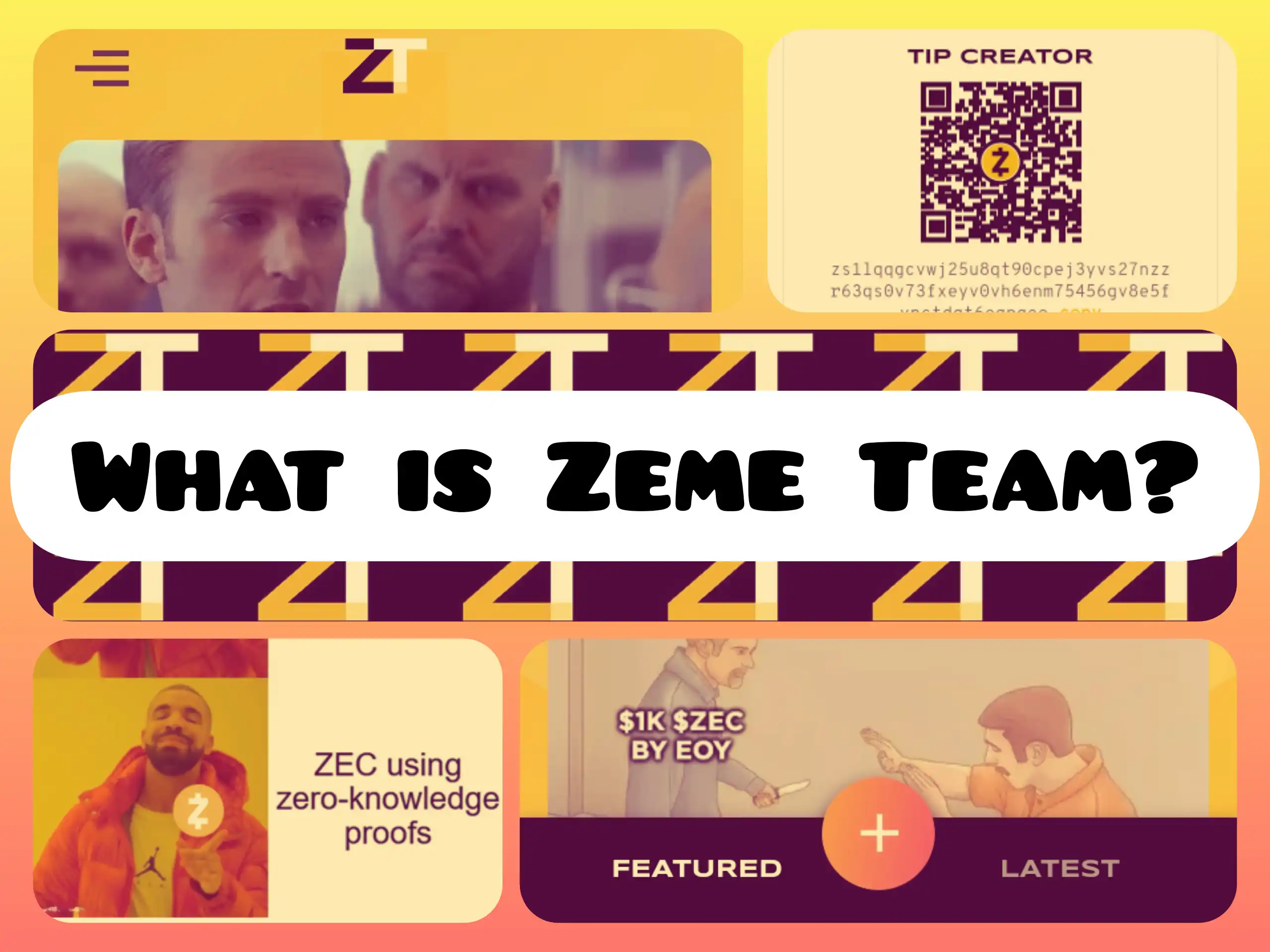
What is Zeme Team?
Zeme Team is a web platform of Zcash ecosystem where you can share your Zemes (memes), GIFs, infographics or other types of graphic content related to Zcash and get tip submitted by the community.
The website has two tabs where you can view the featured and recently published content, a button to upload the content you have created and a hamburger menu with different options.
Zcash
Zcash is a digital currency that protects privacy and is based on solid science. With Zcash, people can transact efficiently and securely with low fees.
| ZEME TEAM |
|---|
| MAIN OPTIONS |
Featured  |
Latest  |
Upload  |
Menu  |
Upload content to Zeme Team
If you have created any images, memes, infographics, etc, about Zcash, just tap on the button with the sign (➕) that appears below and in the center to upload your creations, in the next table it is explained step by step:
| Upload content to Zeme Team |
|---|
Step 1: Select file  |
Step 2: Title  |
Step 3: Description  |
Step 4: Zcash z-address  |
Step 5: Posting  |
Send ZEC
To send ZEC and support a creator because you liked the content he/she published, open the image, gif, zeme and tap on the TIP button to go directly to the section where the QR code and the Zcash z address are, scan with your wallet or copy and paste the z address where you will send the amount of ZEC you consider, here is the step by step:
| Send ZEC to the creator |
|---|
Step 1: Open an image, zeme, gif  |
Step 2: Scan or copy z address  |
Step 3: Add amount of ZEC and memo  |
Step 4: Send ZEC  |
As a recommendation you should read the Content Policy, Privacy Policy and the Terms of Service regarding the use of the web, share the link of your publications in the different social networks to accumulate views and some ZEC sent by those who saw what you published.
If you feel that any image, zeme or gif is violating the terms of service, open that post and tap on the Report Post option below and to the right and follow the steps, you will be able to report by:
- Spam
- Harmful/inappropriate content
- Bullying/Harassment
- Unrelated to Zcash
- Copyright
Some of the zeme I have uploaded in Zeme Team
Now that you know about Zeme Team you just need to create your zemes, you can use this website or an application for image and video editing.
If you want to learn more about Zcash, join the community on Telegram and Discord or follow on Twitter the Zcash Español 🛡️ᙇ account, there will be activities going on in which you can participate.
 |
 |
 |
|---|