
Profile Social Links With Markdown Frontmatter
Free2Z now has experimental support for “profile metadata” via markdown YAML frontmatter. How to Add Socials
The first feature that this supports is social links as part of your bio, in the style of Linktree/AllMyLinks. This can help your Free2Z profile be your primary social media presence. A common use of this can be to link to your Free2Z profile from Instagram as a primary website link, allowing people to discover your Free2Z posts, your Twitter profile and your website.
A blank example of YAML frontmatter looks like this:
---# YAML goes here--- My profile bio text here.Here is an example of how the social links can look:
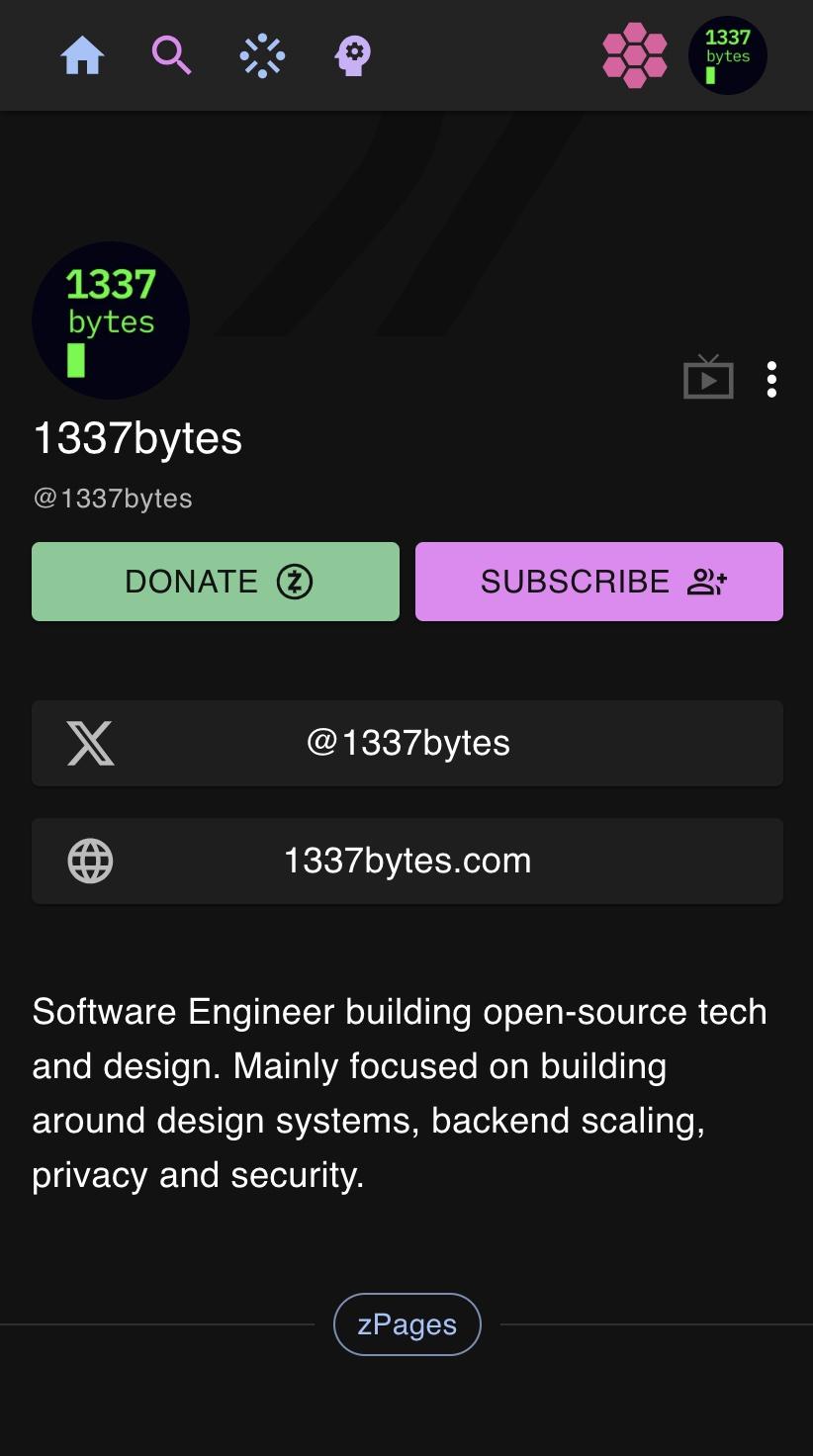
How to Add Socials
You can add social links to your profile bio by prefixing your bio with this text:
The --- mark the start and end of the markdown metadata section.
---socials: twitter: 1337bytes website: 1337bytes.com # Where the key/value schema is: # <social_site_id>: <username/id>--- My profile bio text.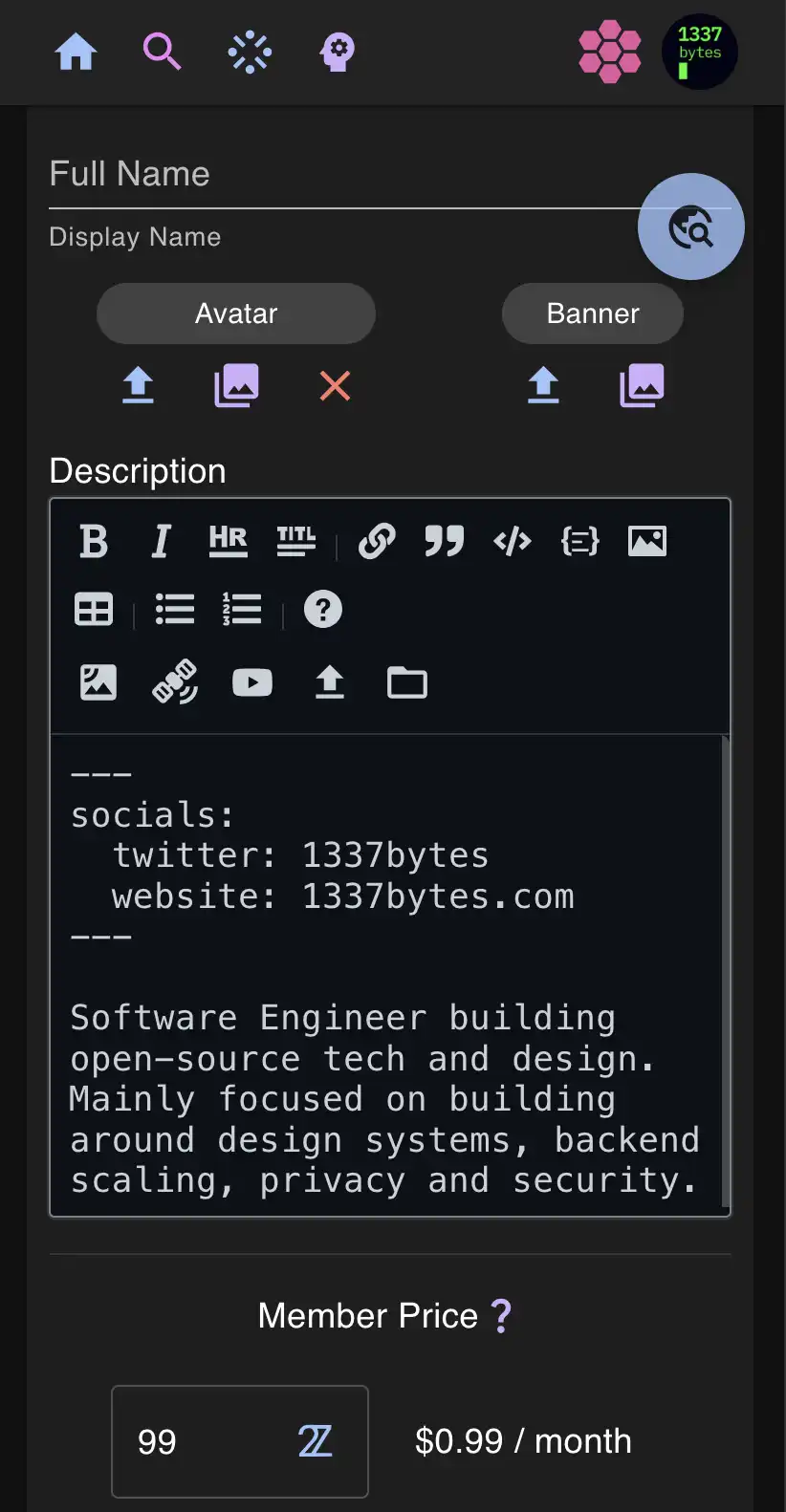
Any feedback on how this schema could evolve would be appreciated. Additional features could be integrated into the YAML frontmatter such as custom theming (font colours/styling, etc).